Introduction
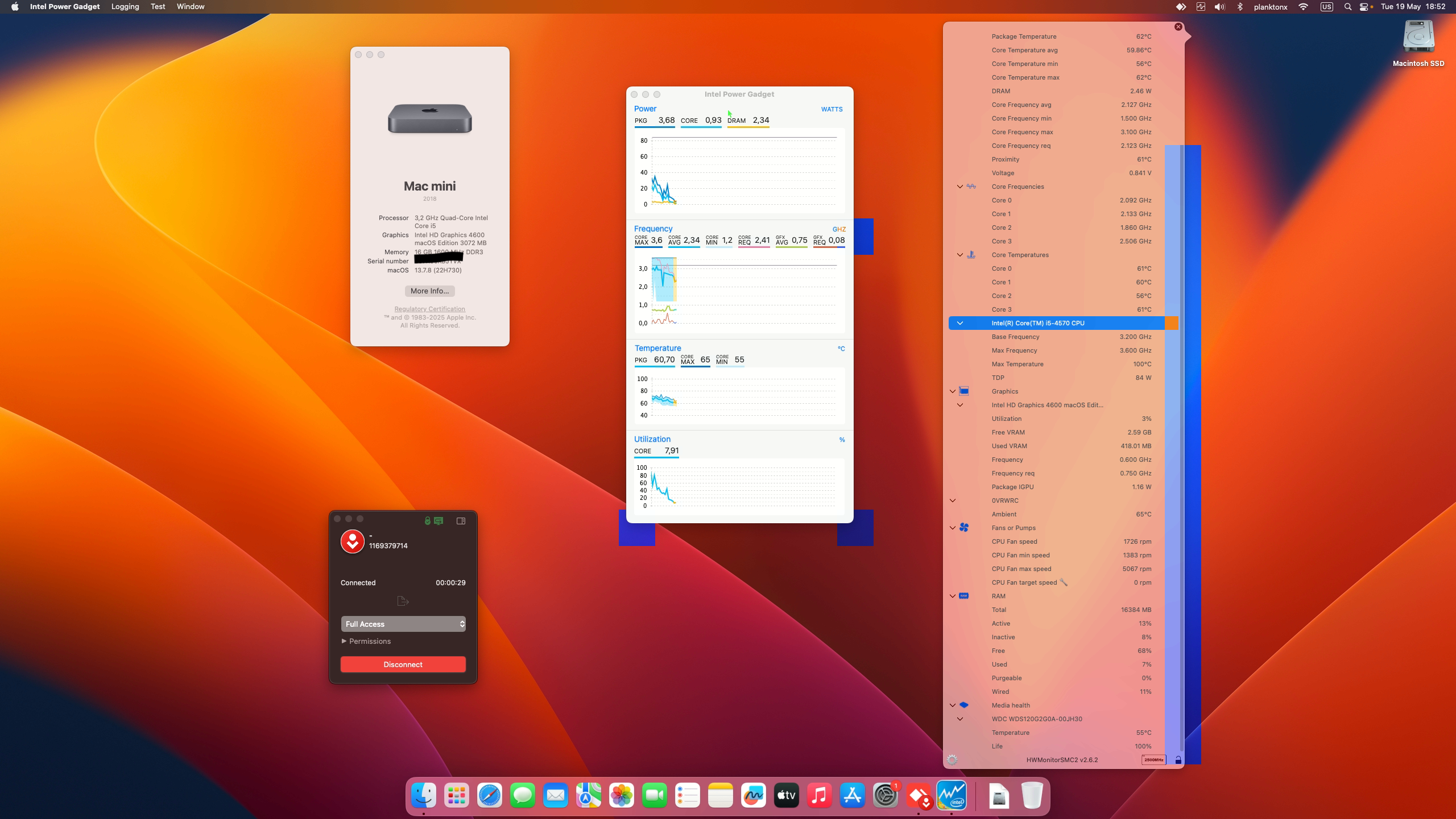
The Dell Optiplex 3020 Mini PC is a classic ultra-compact desktop that continues to be a favorite among budget hardware enthusiasts. Powered by the 4th Generation Intel Haswell architecture, transforming this tiny machine into a fully functional Apple workstation running macOS Ventura 13.7.8 (Build 22H730) is both an exciting and rewarding project. In this success report, we cover the full hardware configuration, bootloader setup using OpenCore r1.0.8, and performance details.
Hardware Specifications
Here is the detailed hardware layout for this Dell Optiplex 3020 Mini PC Hackintosh build:
- PC Model: Dell Optiplex 3020 Mini PC
- Processor: Intel Core i5 4570 (Haswell)
- iGPU: Intel HD Graphics 4600
- RAM: 16GB DDR3 PC12800 (1600MHz)
- Storage: 1x SSD WDC 120GB
- Ethernet: Realtek RTL8168 Gigabit Ethernet
- Wi-Fi & Bluetooth: Intel AC 7260 and Bluetooth
- USB Controller: Intel Chipset
- Audio Codec: Realtek ALC255
- Display: 2886A 27" Display (Resolution: 2560 x 1440)
- Boot Mode: UEFI
- Bootloader: OpenCore v1.0.8
- OS Version: macOS Ventura 13.7.8 (Build 22H730)