Introduction
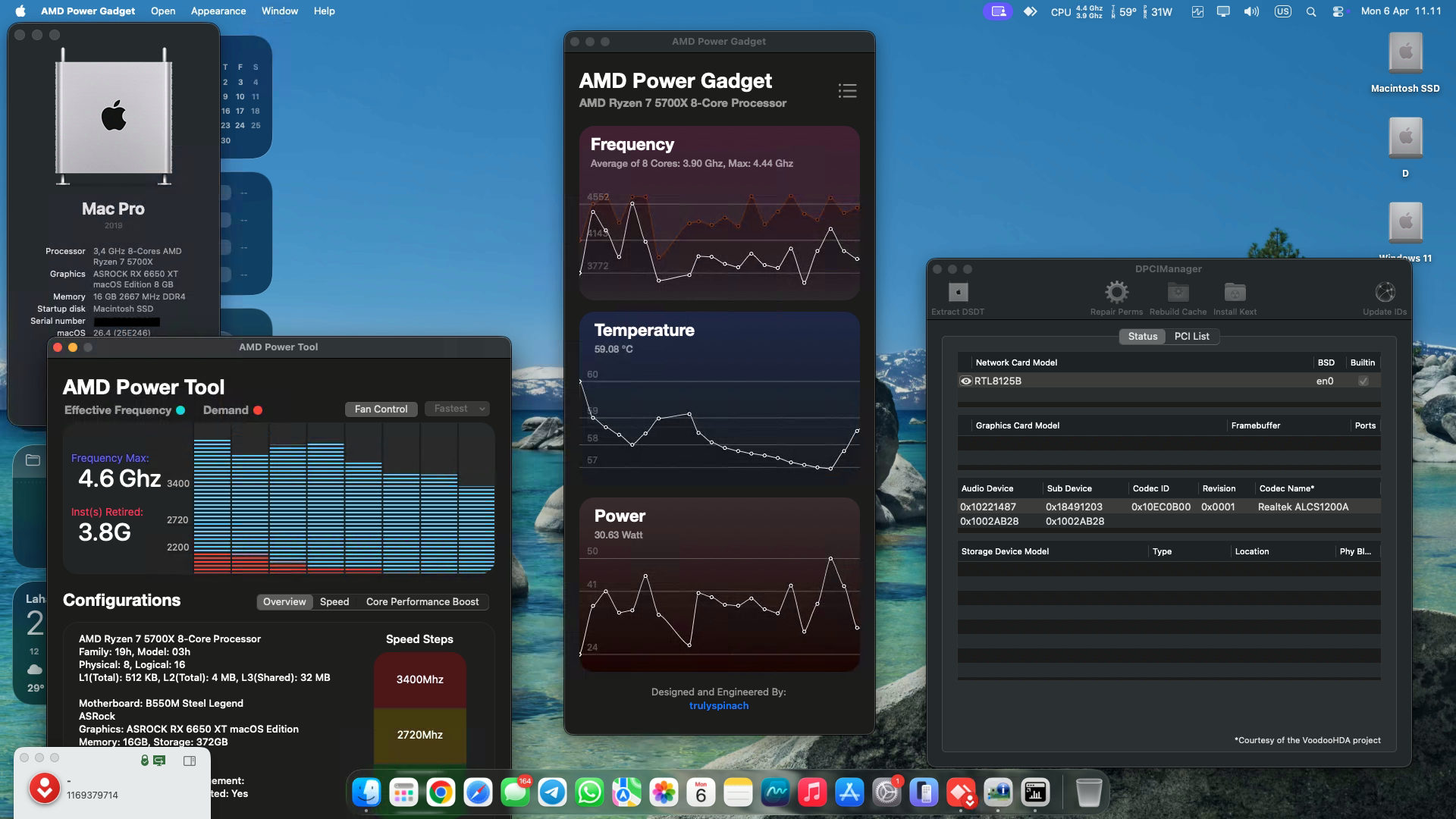
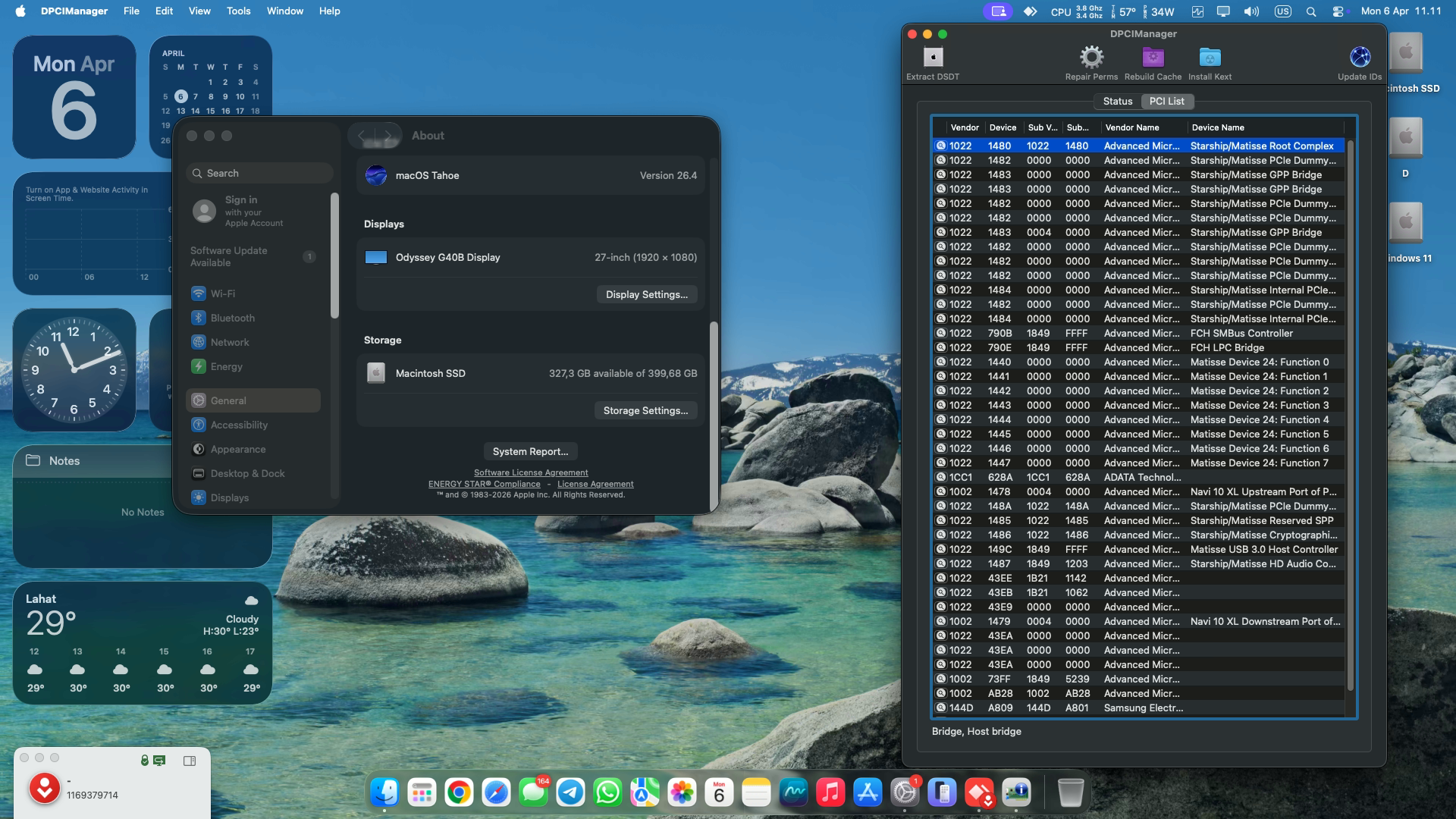
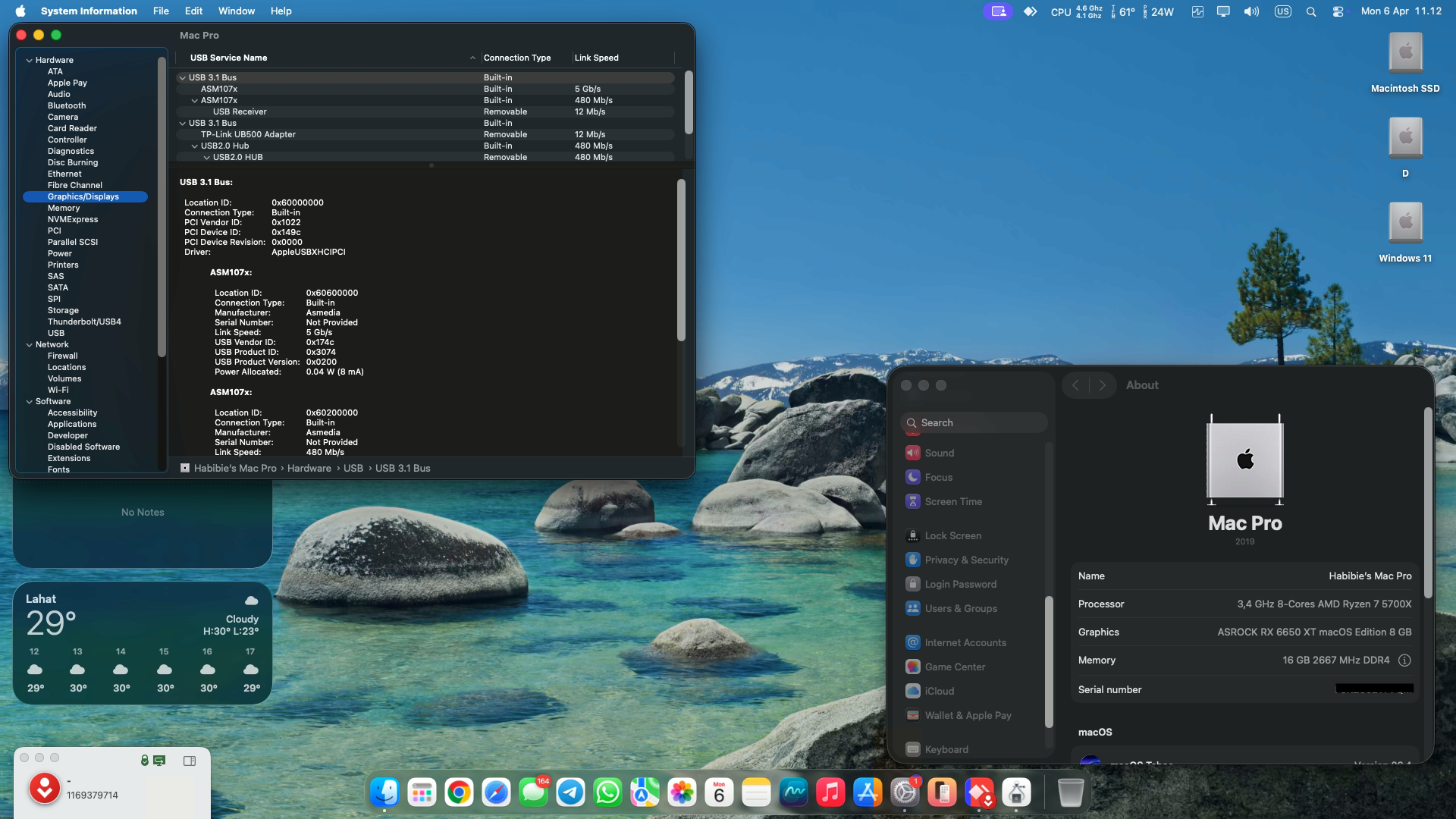
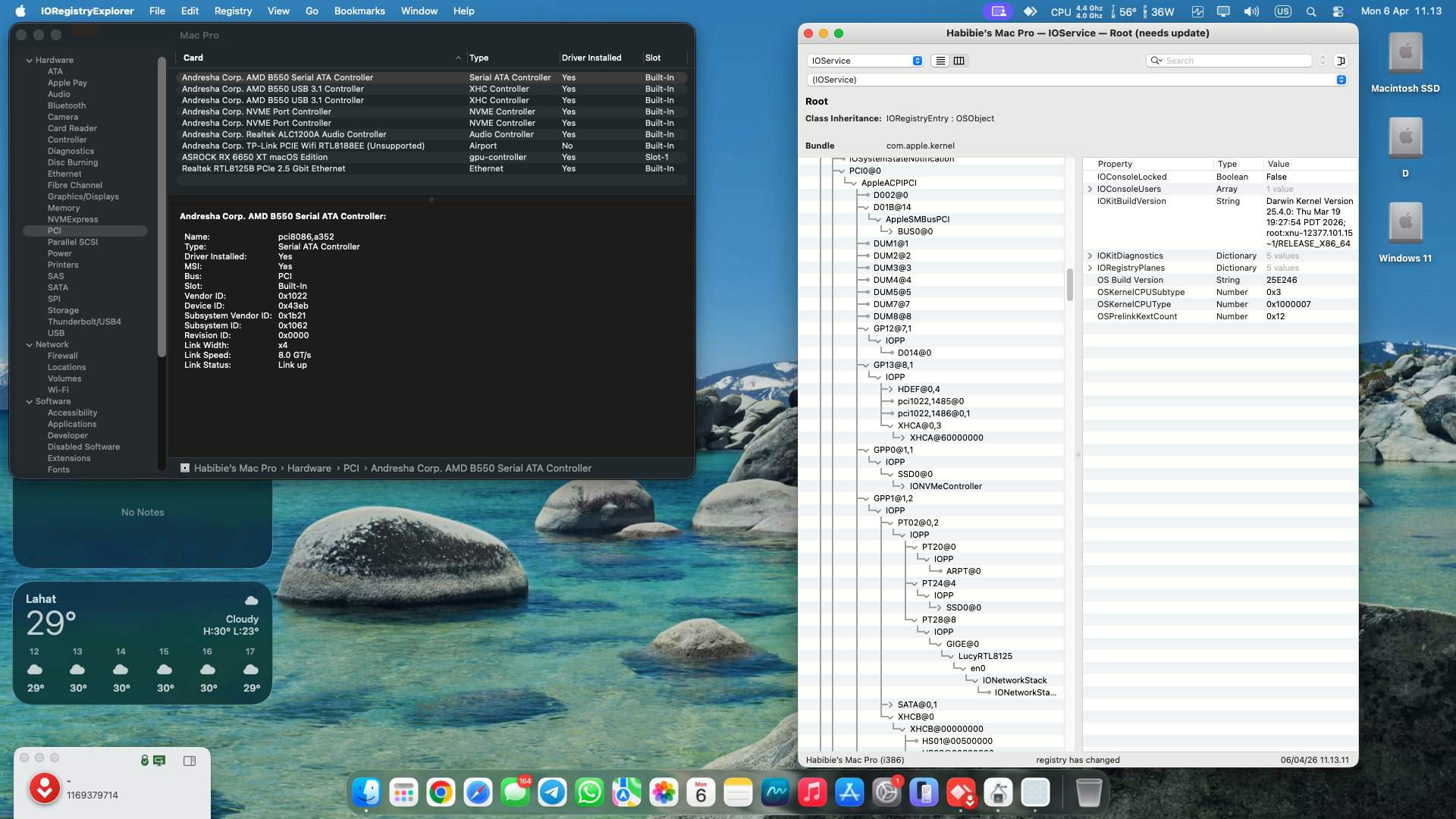
Building an AMD-based Hackintosh (commonly known as Ryzentosh) has become incredibly stable and performant, thanks to the continuous development of OpenCore. Today, we are sharing a successful installation guide and showcase of macOS Tahoe 26.4 Build 25E246 running flawlessly on the Asrock B550M Steel Legend paired with the powerful AMD Ryzen 7 5700X and Asrock RX 6650 XT dGPU.
Hardware Specifications
To achieve this seamless Hackintosh setup, the following hardware configuration was used:
- Motherboard: Asrock B550M Steel Legend
- Processor: AMD Ryzen 7 5700X (8 Cores, 16 Threads)
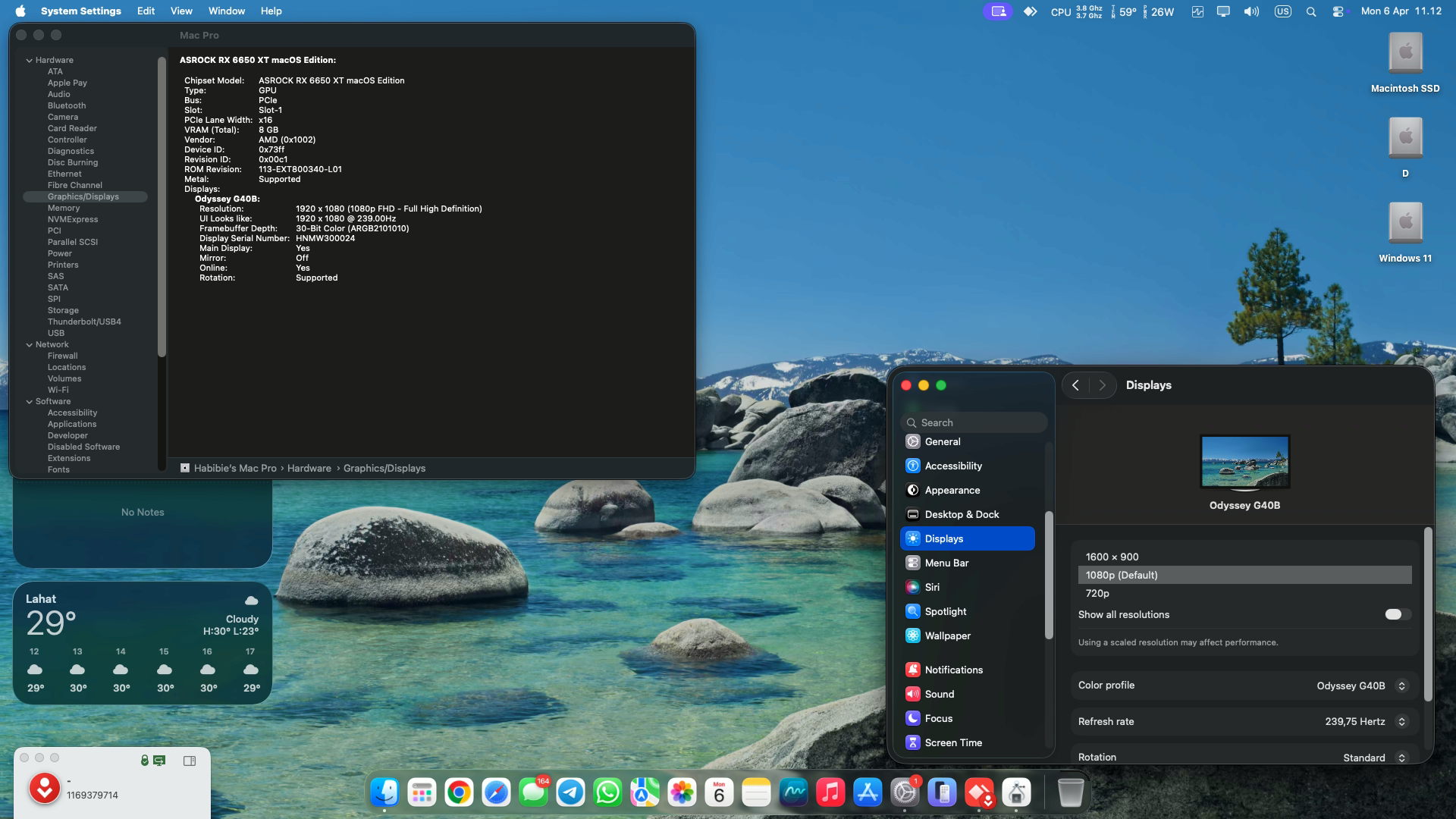
- Graphics Card: Asrock RX 6650 XT 8GB GDDR6
- RAM: 16GB DDR4 PC21300 / 2667Mhz
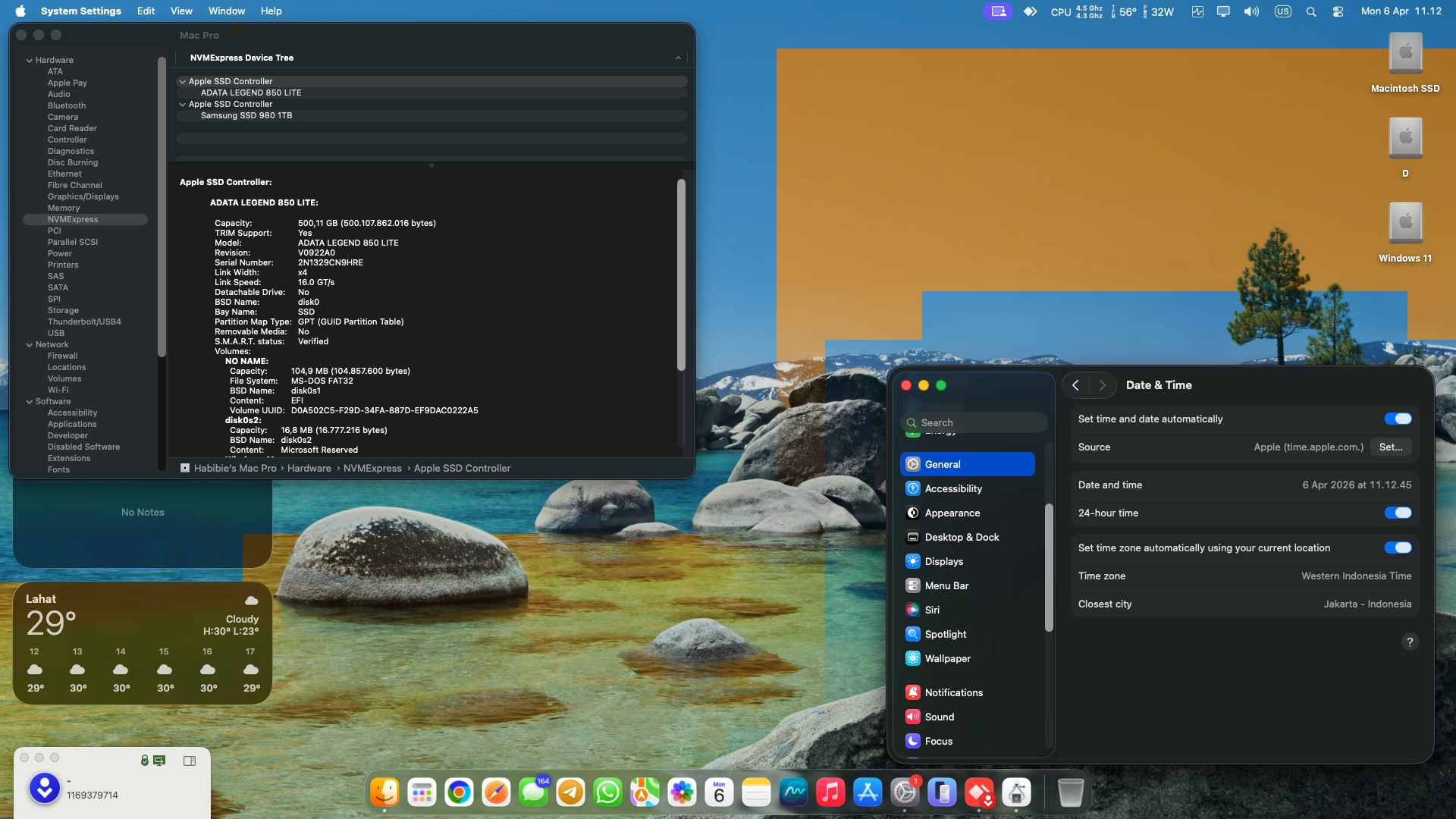
- Storage: 1x NVME Adata 850 500GB + 1x NVME Samsung 980 1TB
- Audio Controller: Realtek ALC1200A
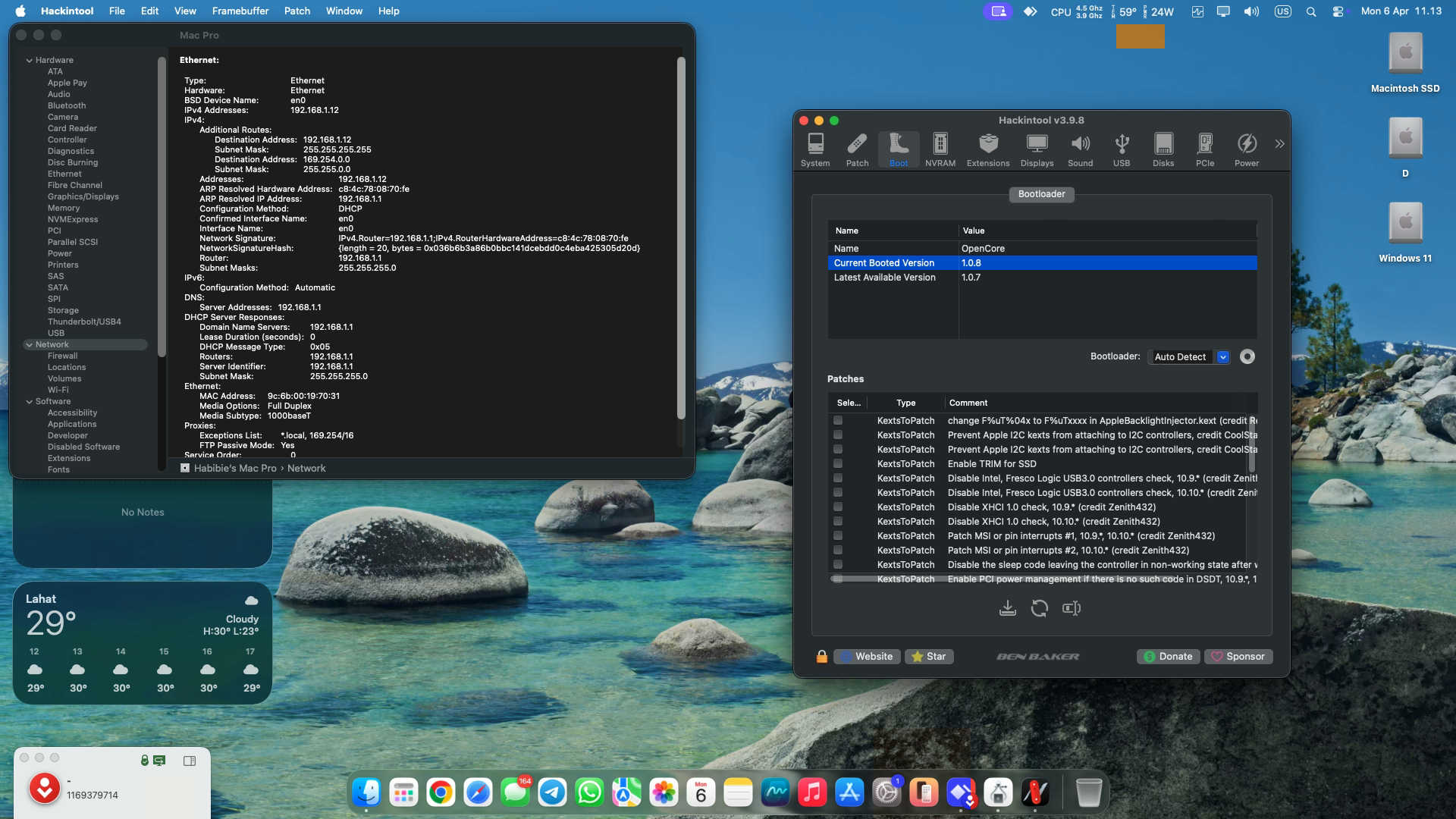
- Ethernet: Realtek RTL8125 2.5GB Ethernet
- Display: Odyssey G40B 27" (1920 x 1080 resolution)
- Bootloader: OpenCore v1.0.8 (UEFI Boot Mode)
What is Working?
Most of the essential features are fully operational, making this system perfectly viable for daily production, video editing, and software development:
- Full QE/CI Graphics Acceleration: The Asrock RX 6650 XT runs smoothly with full hardware acceleration.
- Power Management: CPU Power Management is fully optimized for the Ryzen 7 5700X.
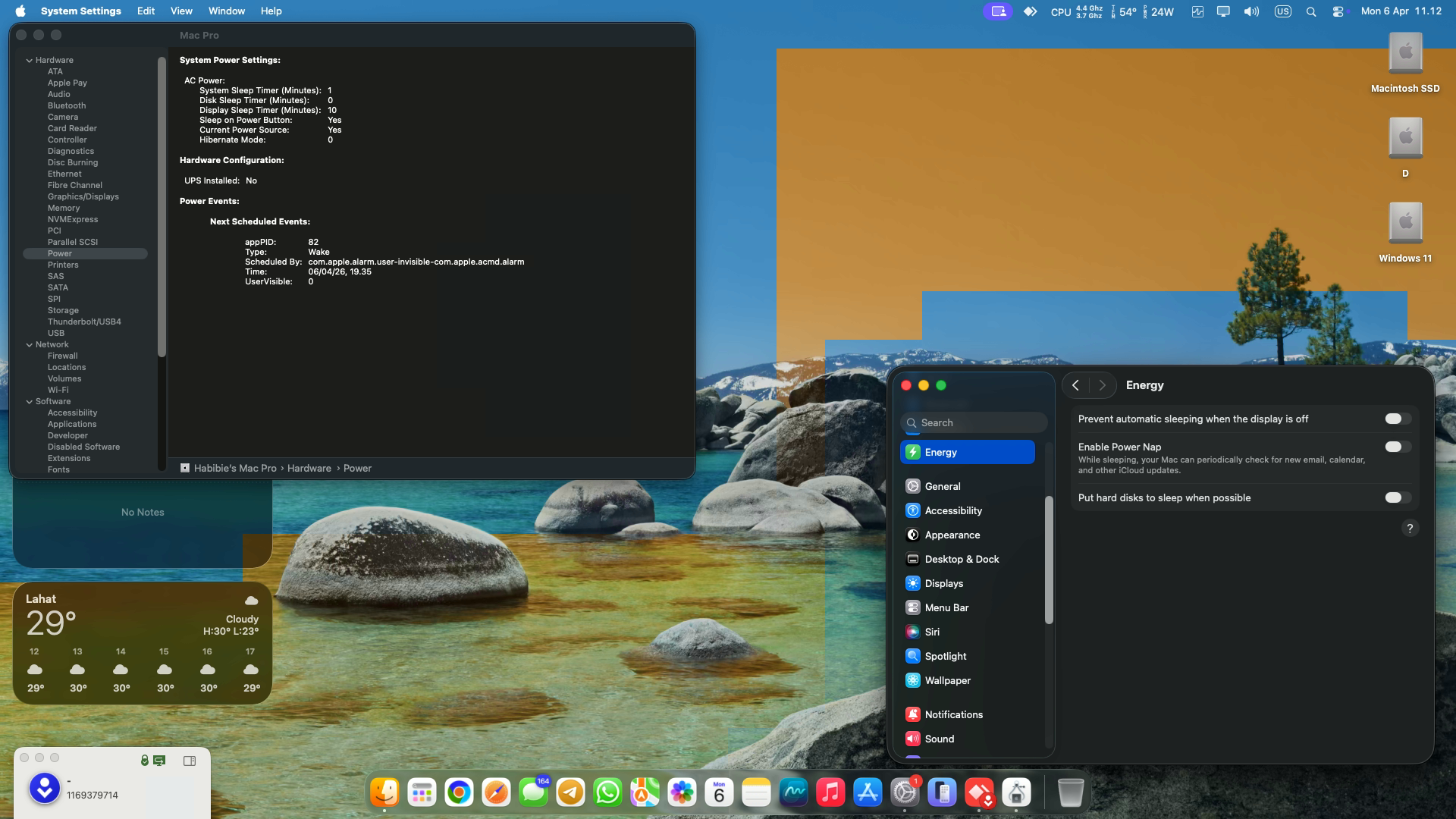
- System Stability: Restart, Sleep, and Shutdown cycles work without any issues.
- Audio: Both Rear and Front audio jacks are working perfectly using AppleALC.
- Network: Realtek RTL8125 2.5GB Ethernet runs at full speed.
- Display & Sound: HDMI/DP video output and audio passthrough work flawlessly on the Odyssey G40B monitor.
- USB Ports: All USB ports mapped properly for stable data transfer.
What is Not Working / Limitations?
- Internal Microphone: This is a well-known, common limitation for AMD Ryzentosh configurations when using AppleALC.kext. External USB microphones or USB sound cards work perfectly as a workaround.
Need Professional Help?
If you want to experience the power of macOS on your own AMD or Intel PC but find the configuration process overwhelming, we are here to help! We offer professional jasa install hackintosh services to ensure your system runs smoothly. Whether you need a fresh install or troubleshooting for existing builds, our team at Hackintosh Indonesia and Hackintosh Nusantara provides premium remote and on-site support. For those located in West Java, we also provide specialized services via hackintosh cimahi. If your current build is bootlooping or facing kernel panics, don't hesitate to contact us for a reliable Jasa repair hackintosh.