Introduction
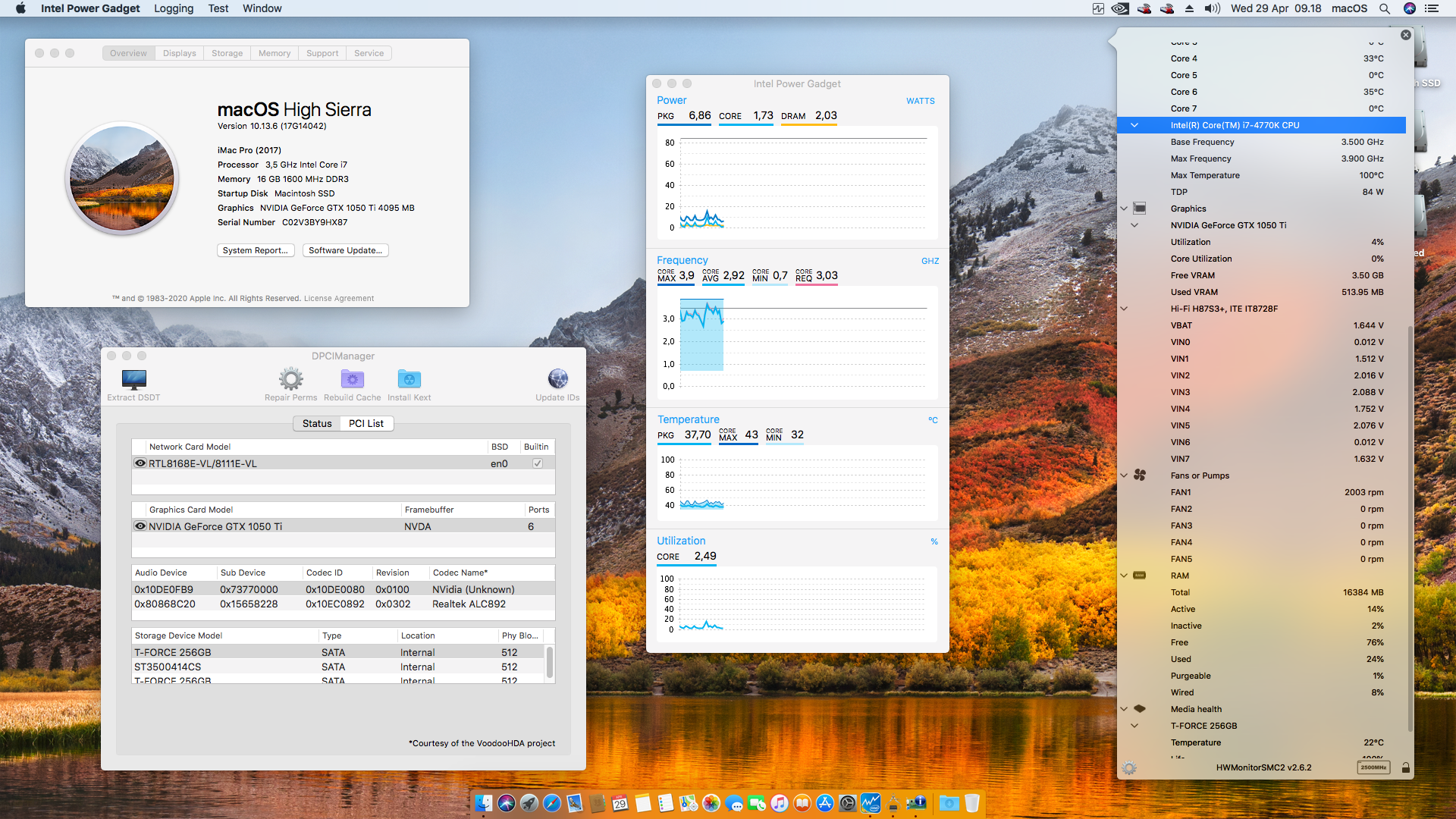
We are excited to present another successful Hackintosh build featuring the Haswell platform paired with dedicated NVIDIA Pascal graphics. In this build report, we successfully installed macOS High Sierra 10.13.6 (Build 17G14042) on a desktop PC powered by the Biostar Hi-Fi H87S3+ motherboard and an Intel Core i7 4770K processor. High Sierra remains the optimal and final macOS version that officially supports NVIDIA Pascal GPUs (such as the GTX 1050Ti) with full hardware acceleration (QE/CI) using Web Drivers.
Hardware Specifications
Here is the detailed hardware configuration used for this build:
- Motherboard: Biostar Hi-Fi H87S3+
- Processor: Intel Core i7 4770K (Haswell)
- iGPU: Intel HD Graphics 4600
- eGPU: Colorful GTX 1050Ti 4GB
- RAM: 16GB DDR3 PC12800 / 1600MHz
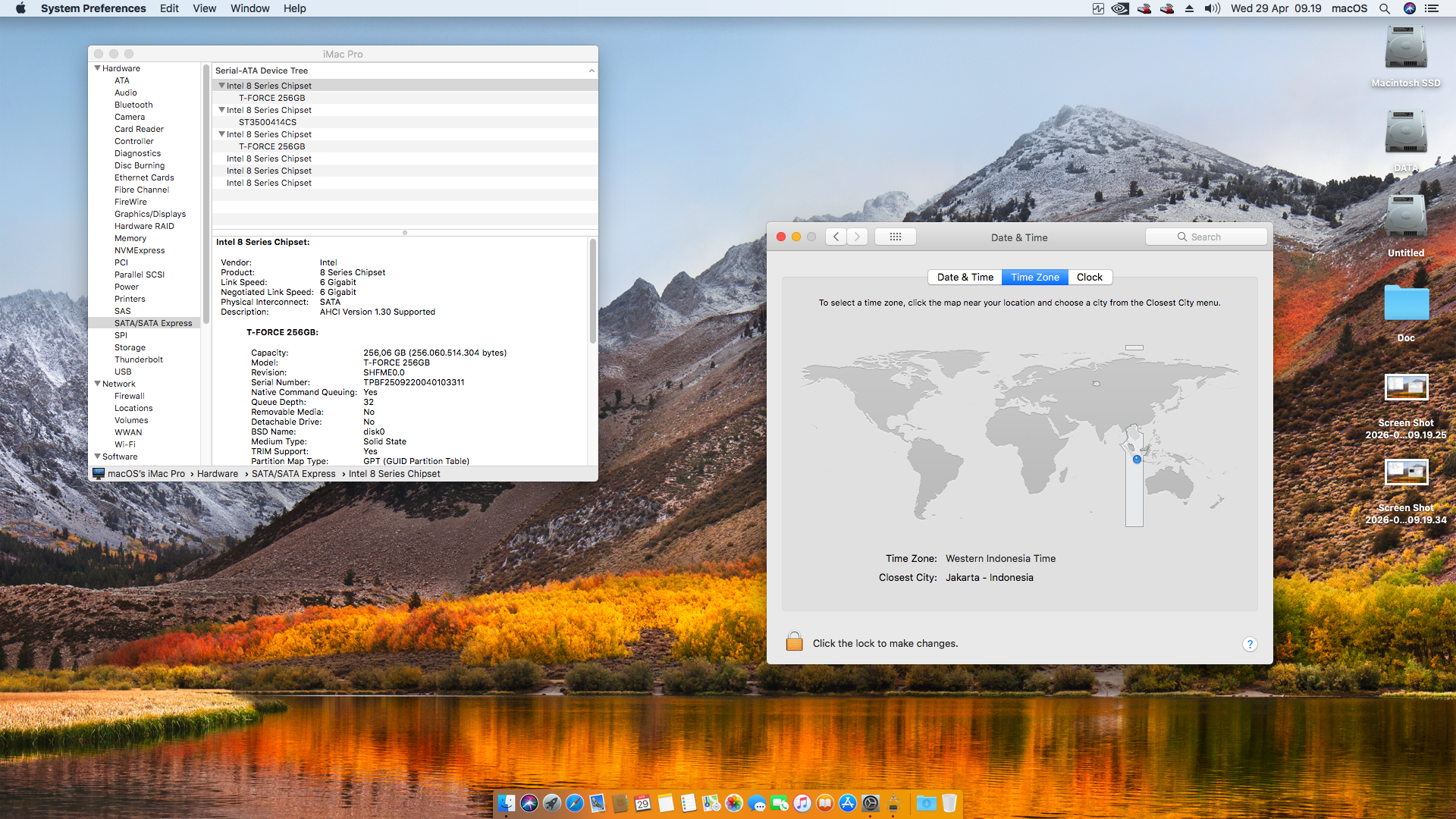
- Storage: 2x SSD T-Force 256GB + 1x HDD Seagate 1TB
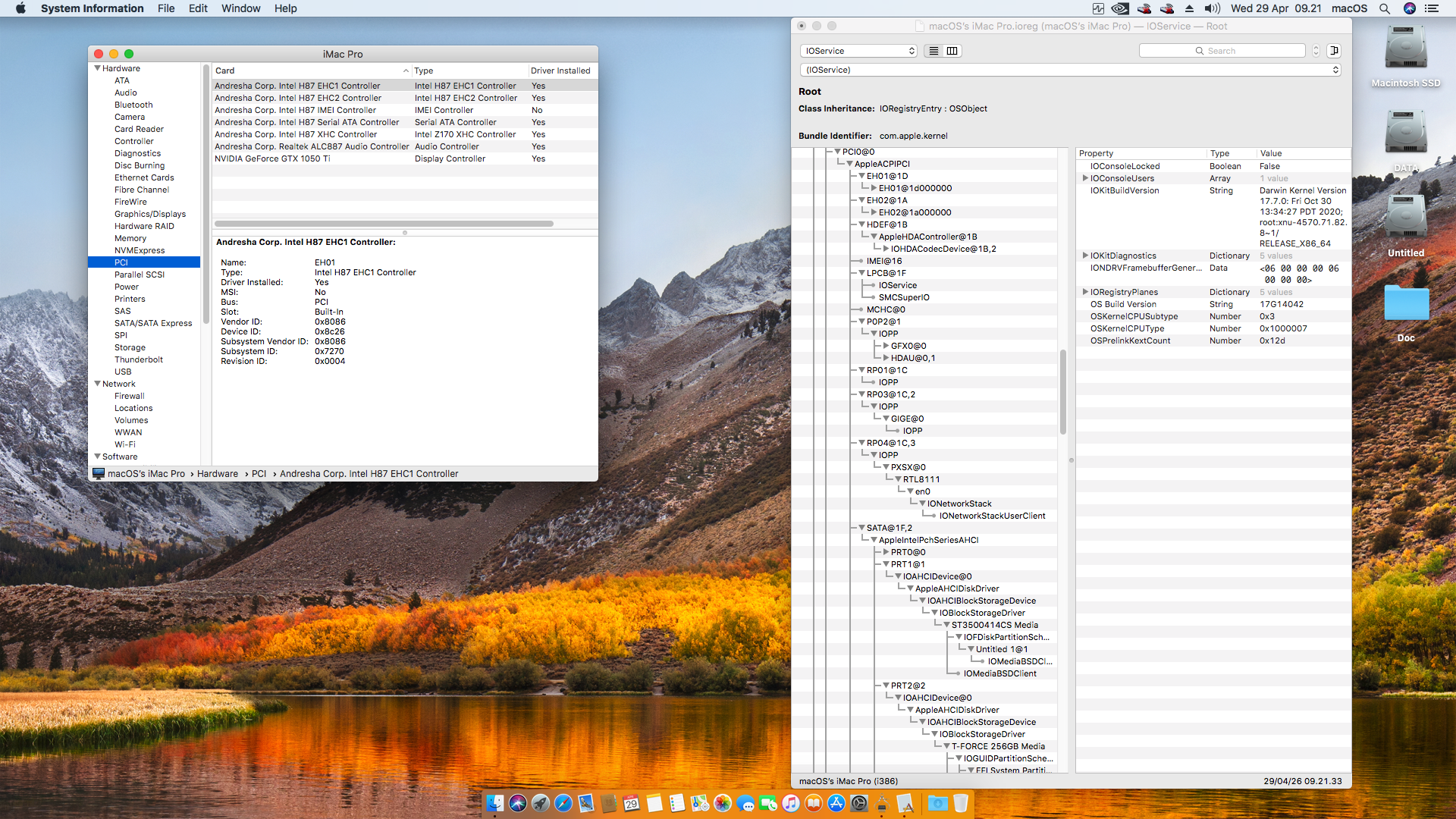
- Ethernet: Realtek RTL8168 Gigabit Ethernet
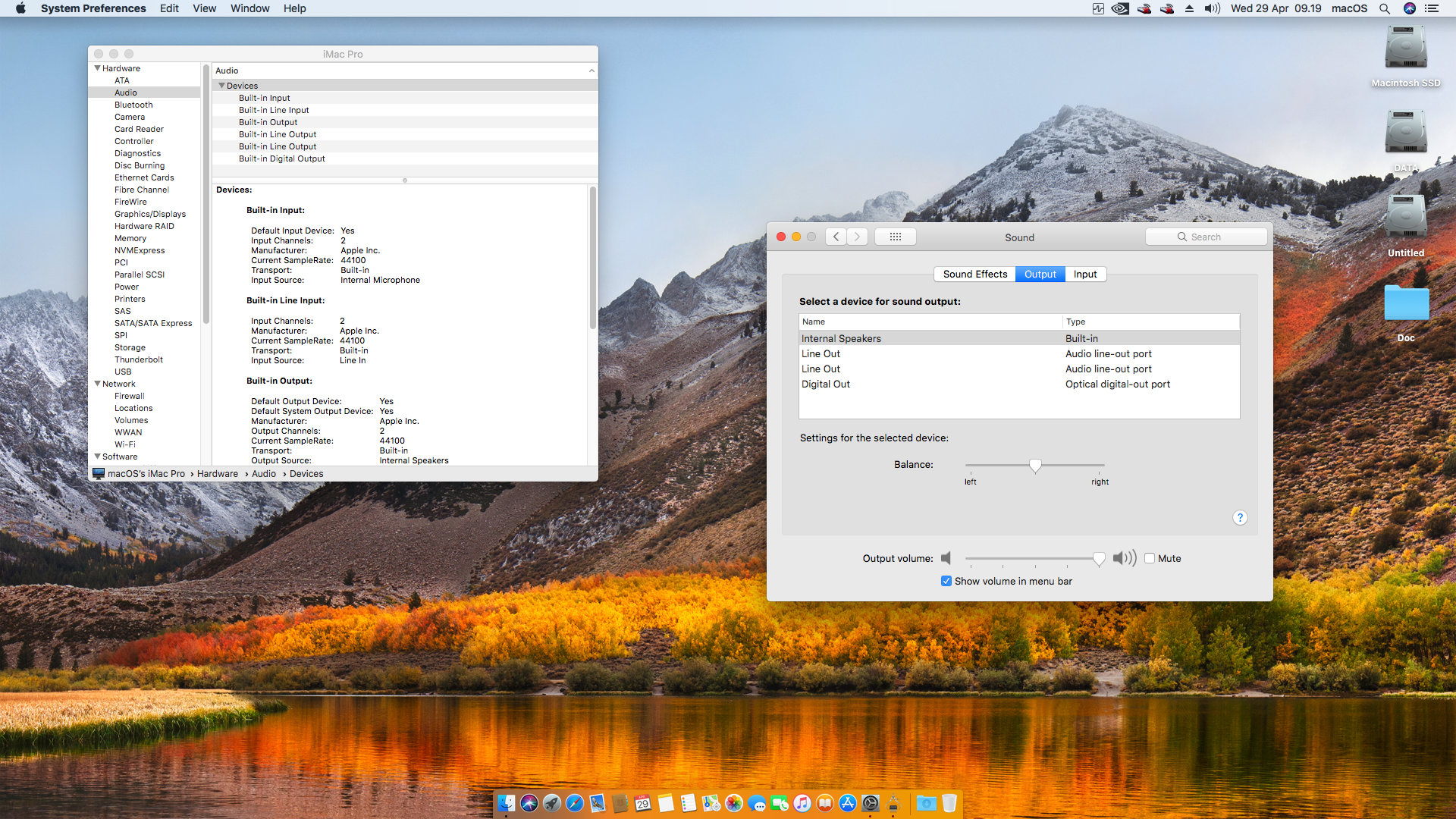
- Audio Codec: Realtek ALC892
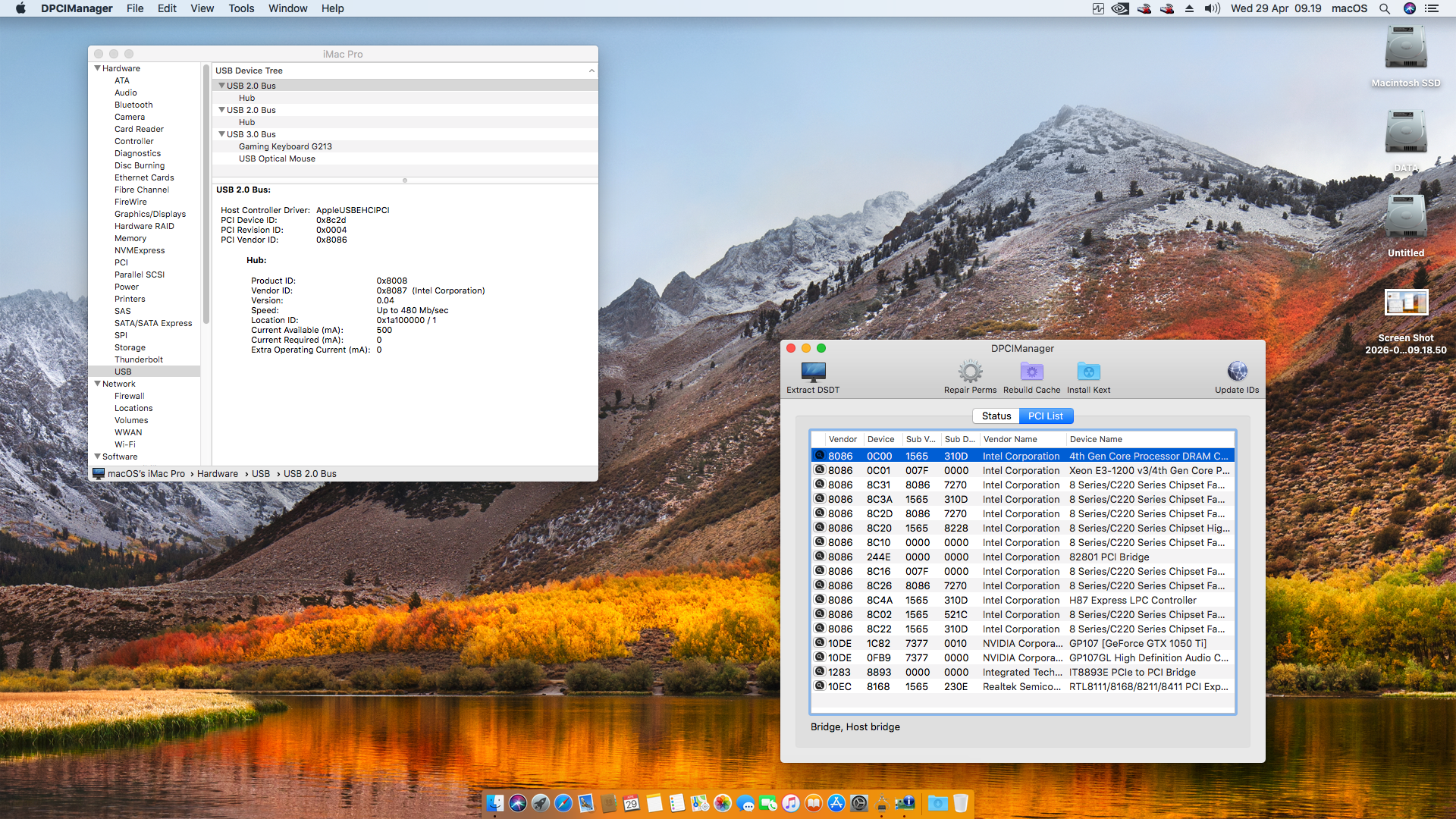
- USB Controller: Intel Chipset
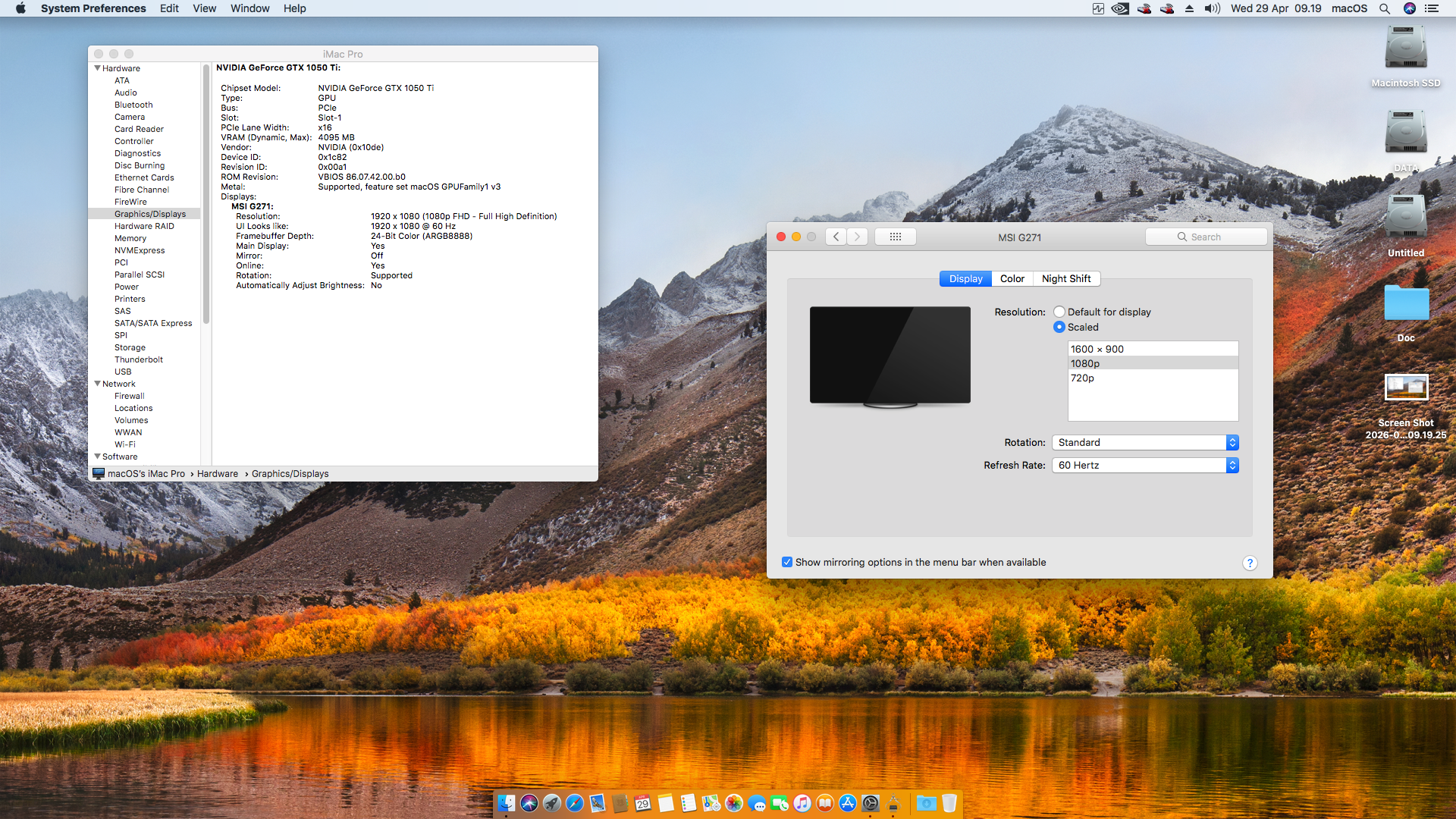
- Monitor: MSI G271 27" (1920 x 1080 resolution)
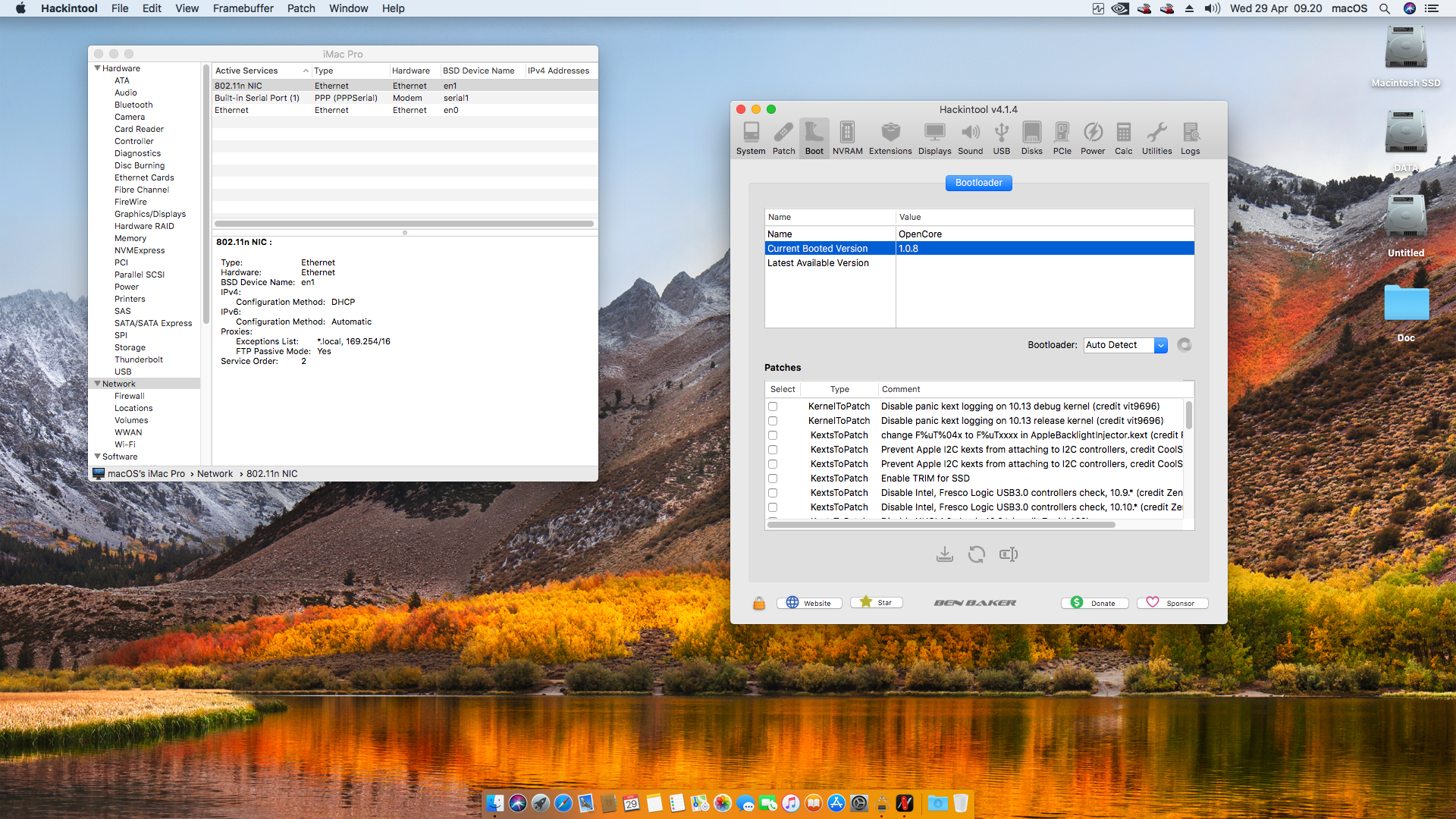
- Bootloader: OpenCore r1.0.8
- Boot Mode: UEFI
- macOS Version: macOS High Sierra 10.13.6 (Build 17G14042)
System Status & Working Features
Thanks to precise OpenCore ACPI patching, proper Kext management, and correct boot arguments, this desktop build achieved full native performance without any remaining issues:
What's Working:
- Full Graphics Acceleration (QE/CI): Colorful GTX 1050Ti working perfectly with NVIDIA Web Drivers installed and SIP configured appropriately.
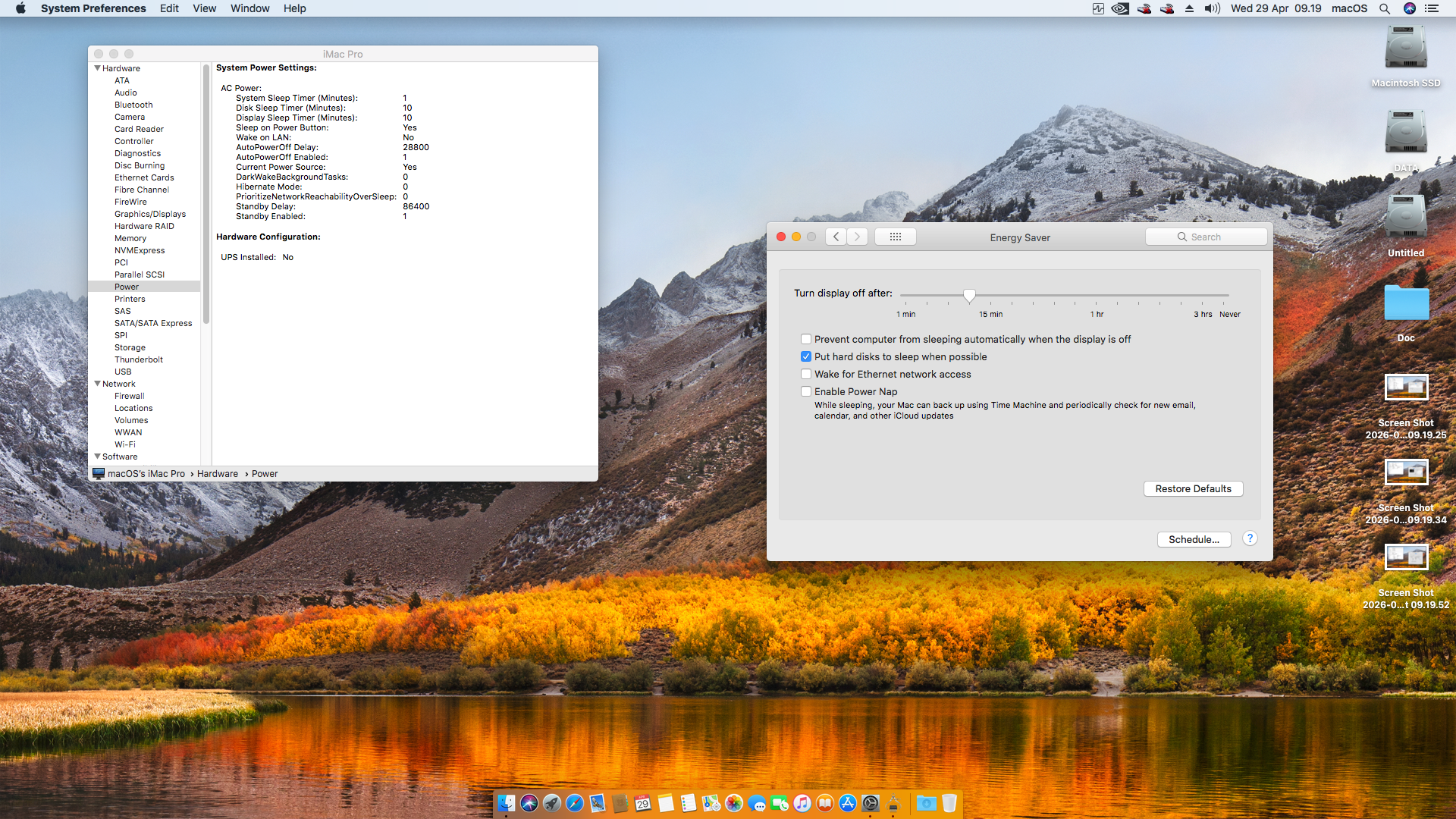
- Power Management: CPU Power Management fully configured for native Intel i7 4770K frequency scaling.
- System States: Restart, Sleep, and Shutdown work flawlessly without panics or sleep wake issues.
- Audio: Realtek ALC892 configured via AppleALC layout ID (Front and Rear audio jacks, plus HDMI/DP audio output).
- Networking: Realtek RTL8168 Gigabit Ethernet working with full speed via RealtekRTL8111.kext.
- Display Output: DisplayPort and HDMI ports giving native 1920x1080 output to the MSI G271 display.
- USB Mapping: All USB 2.0 and USB 3.0 ports mapped correctly.
What's Not Working:
- None: Everything requested and configured is running smoothly!
Configuration Highlights
Using OpenCore r1.0.8, the bootloader was configured using `Haswell` desktop guidelines. The Intel HD 4600 iGPU was either disabled or set up in headless mode, allowing the Colorful GTX 1050Ti to drive graphics output directly. NVIDIA Web Drivers were patched and injected properly using the `nvda_drv_v=1` boot argument alongside `NvidiaWeb` properties set to true in config.plist.
Conclusion
This Biostar Hi-Fi H87S3+ build proves that older Haswell hardware combined with GTX 10-series graphics can still deliver a fast, reliable, and solid workstation environment running macOS High Sierra. If you need assistance setting up or tweaking your own system, don't hesitate to reach out to our custom Hackintosh installation services.