Introduction
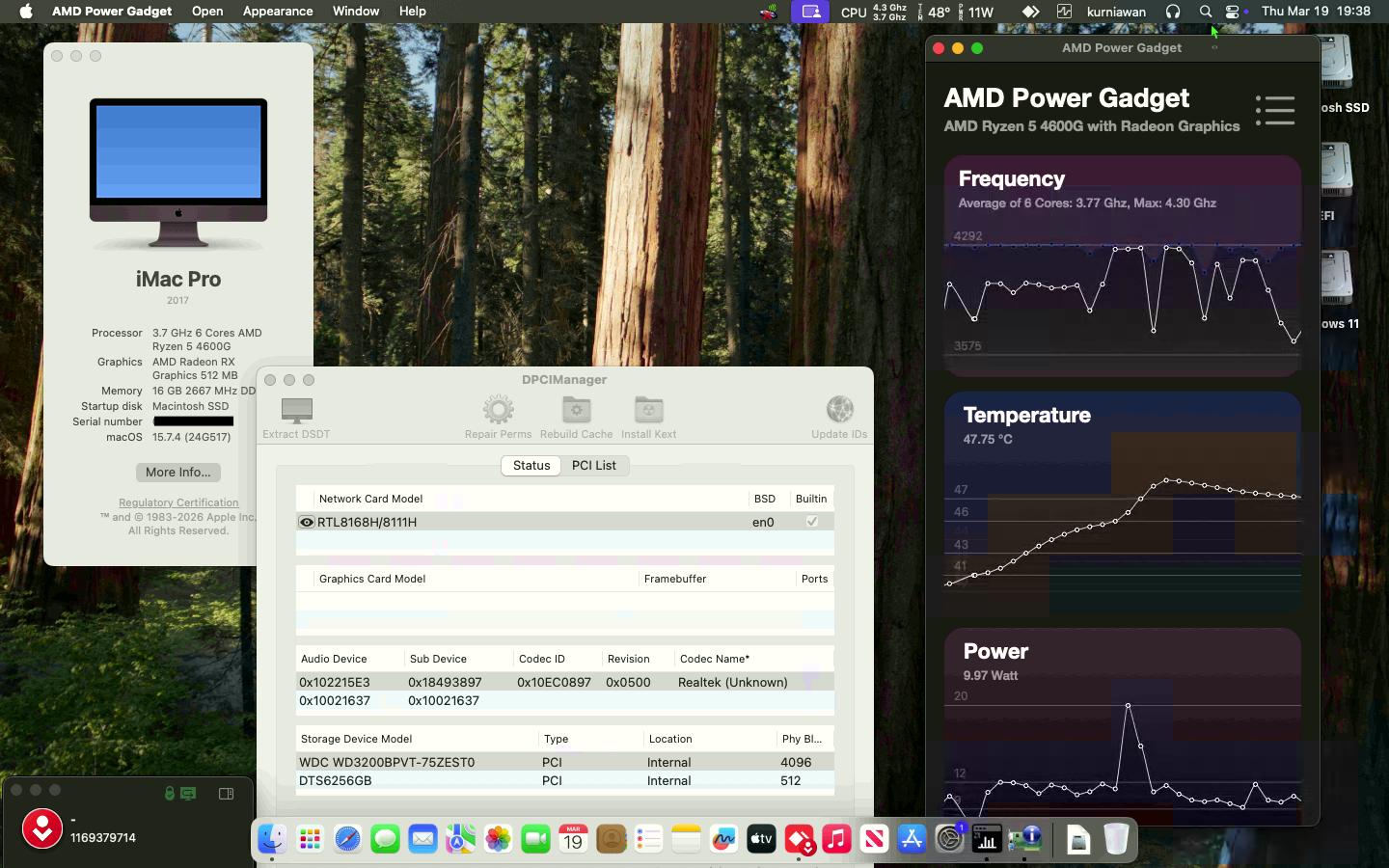
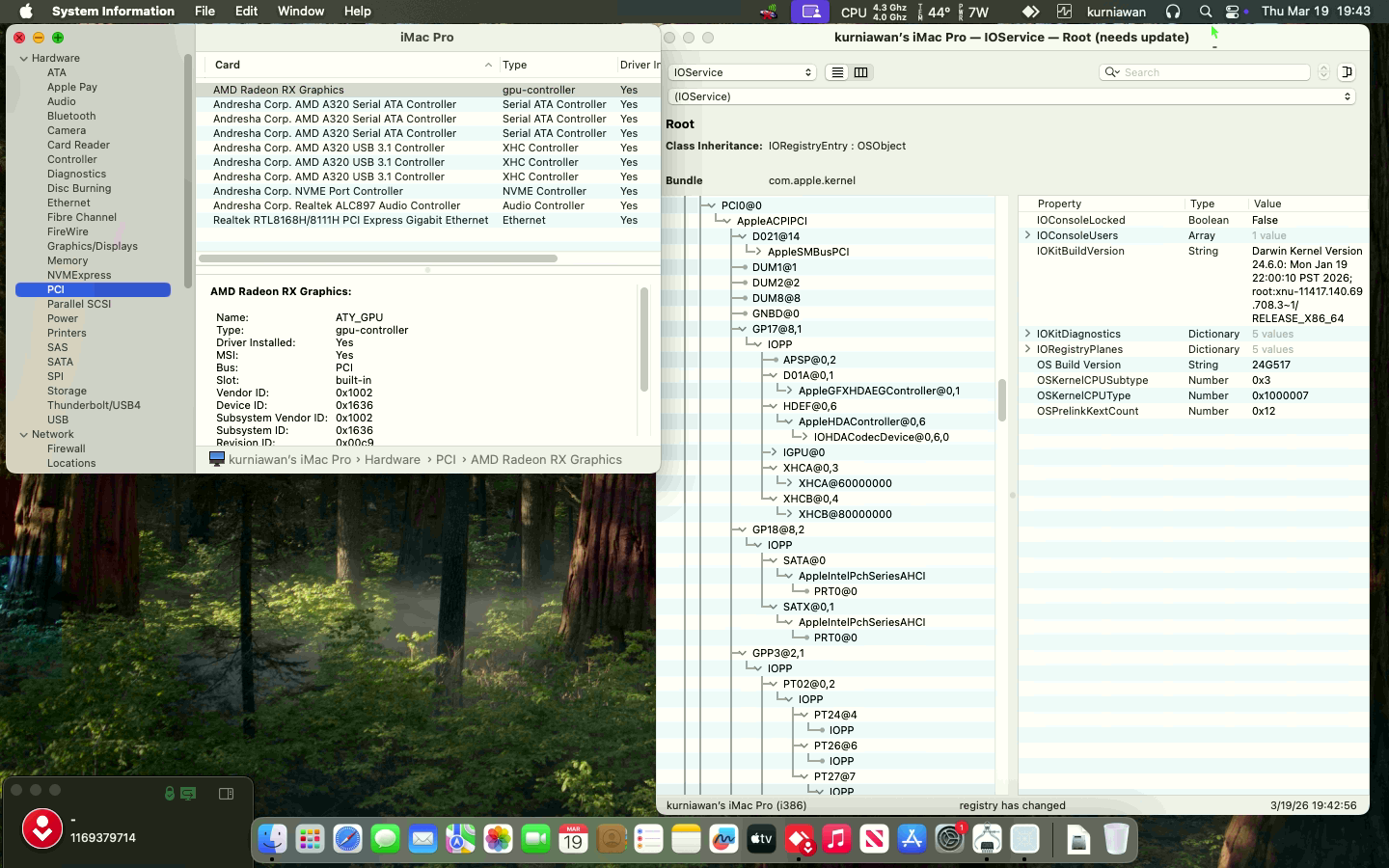
Running macOS on non-Apple hardware, specifically on AMD Ryzen APUs, has evolved dramatically. Today, we are proud to share a successful installation of the latest macOS Sequoia 15.7.4 Build 24G517 running smoothly on a budget-friendly AMD desktop setup: the MSI A320M-A PRO motherboard paired with the powerful AMD Ryzen 5 4600G processor. Thanks to OpenCore r1.0.7 and the revolutionary NootED kext, we have achieved full graphics acceleration (QE/CI) on the integrated Radeon Vega 7 iGPU.
System Hardware Specifications
Here is the detailed hardware configuration used for this successful Hackintosh build:
- Motherboard: MSI A320M-A PRO
- Processor: AMD Ryzen 5 4600G
- Integrated GPU: AMD Radeon Vega 7 Graphics (with QE/CI enabled)
- RAM: 16GB DDR4 PC21300 / 2667MHz
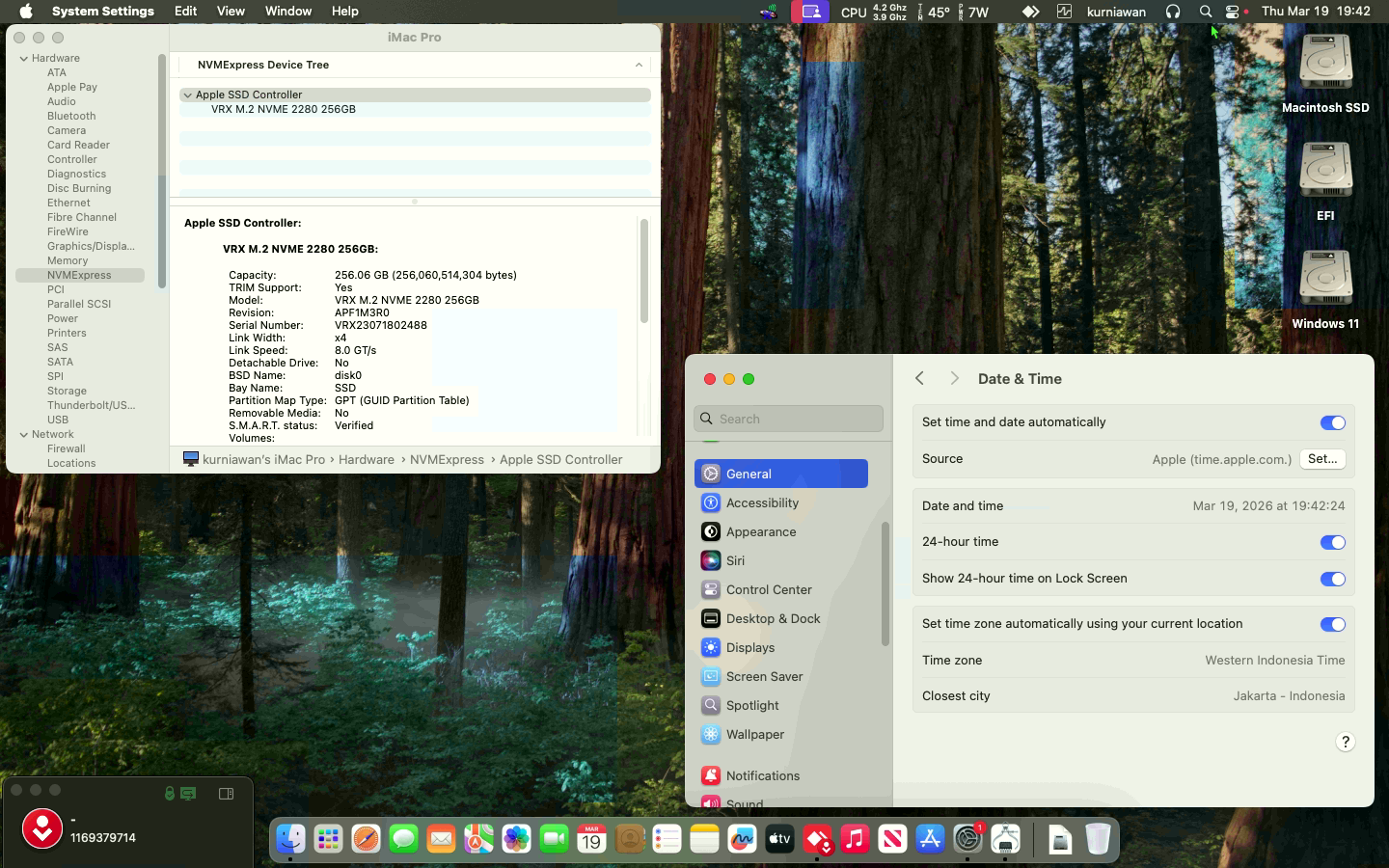
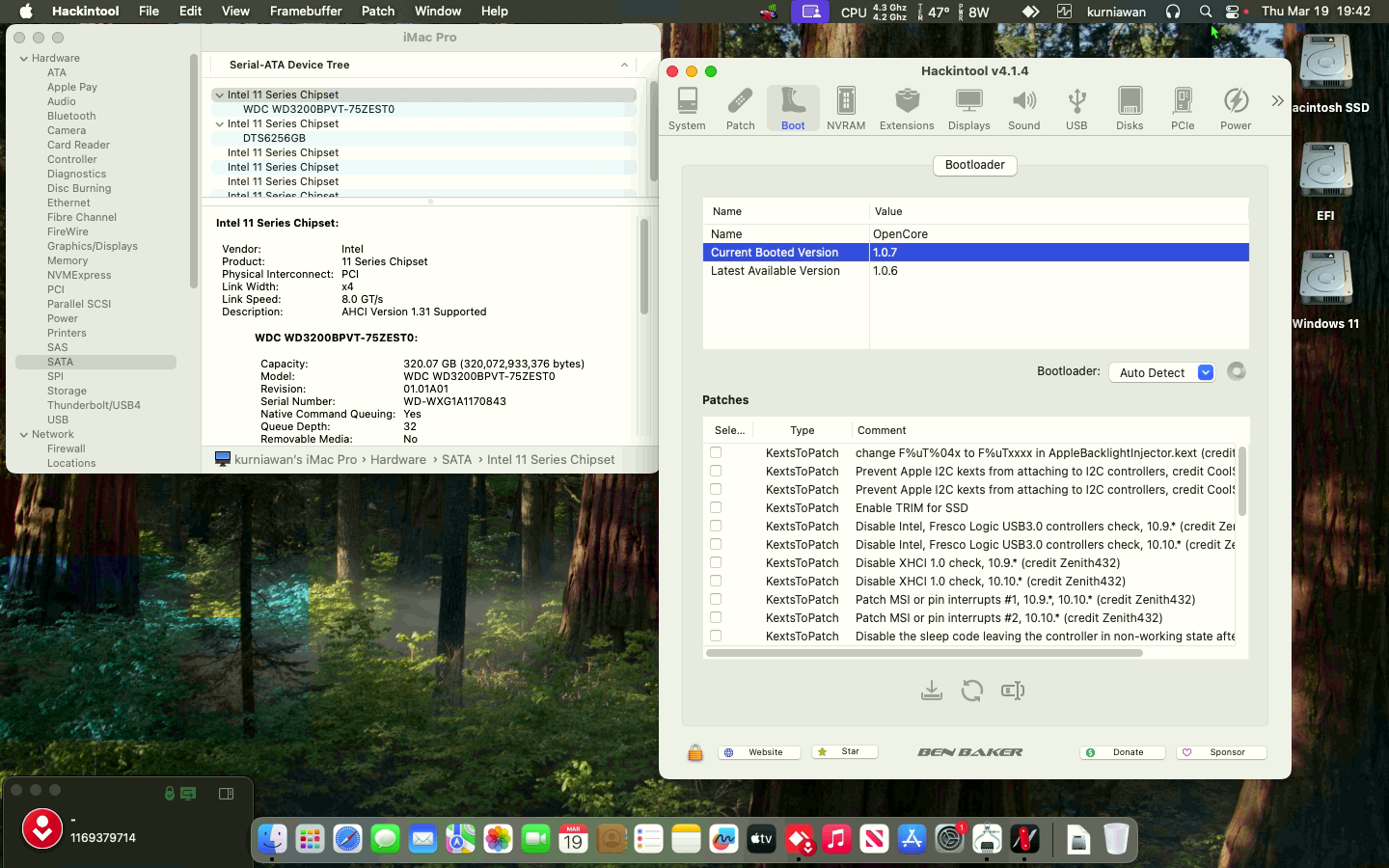
- Storage: 1x SSD WDC 320GB + 1x SSD 256GB
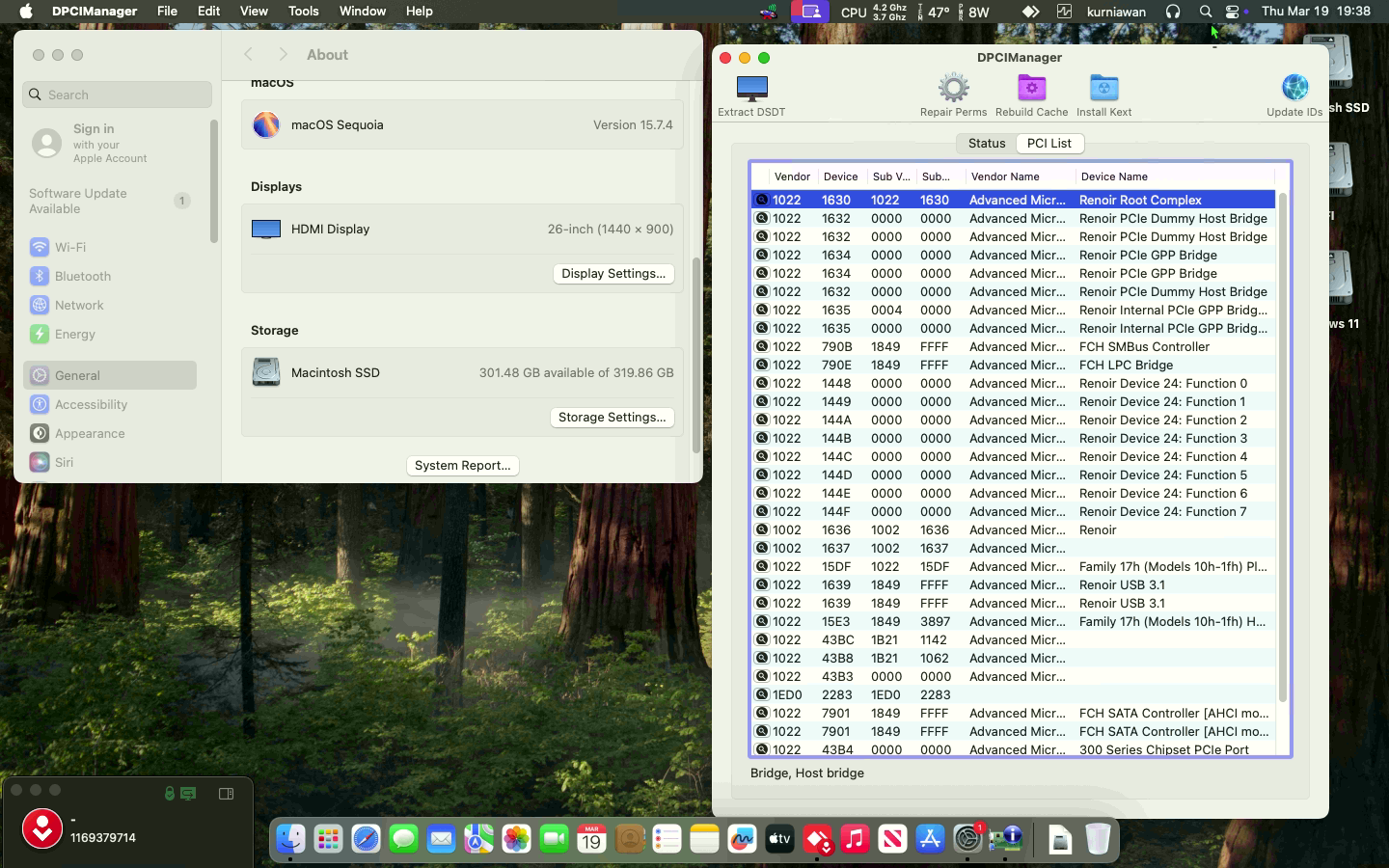
- Ethernet: Realtek RTL8168 Gigabit Ethernet
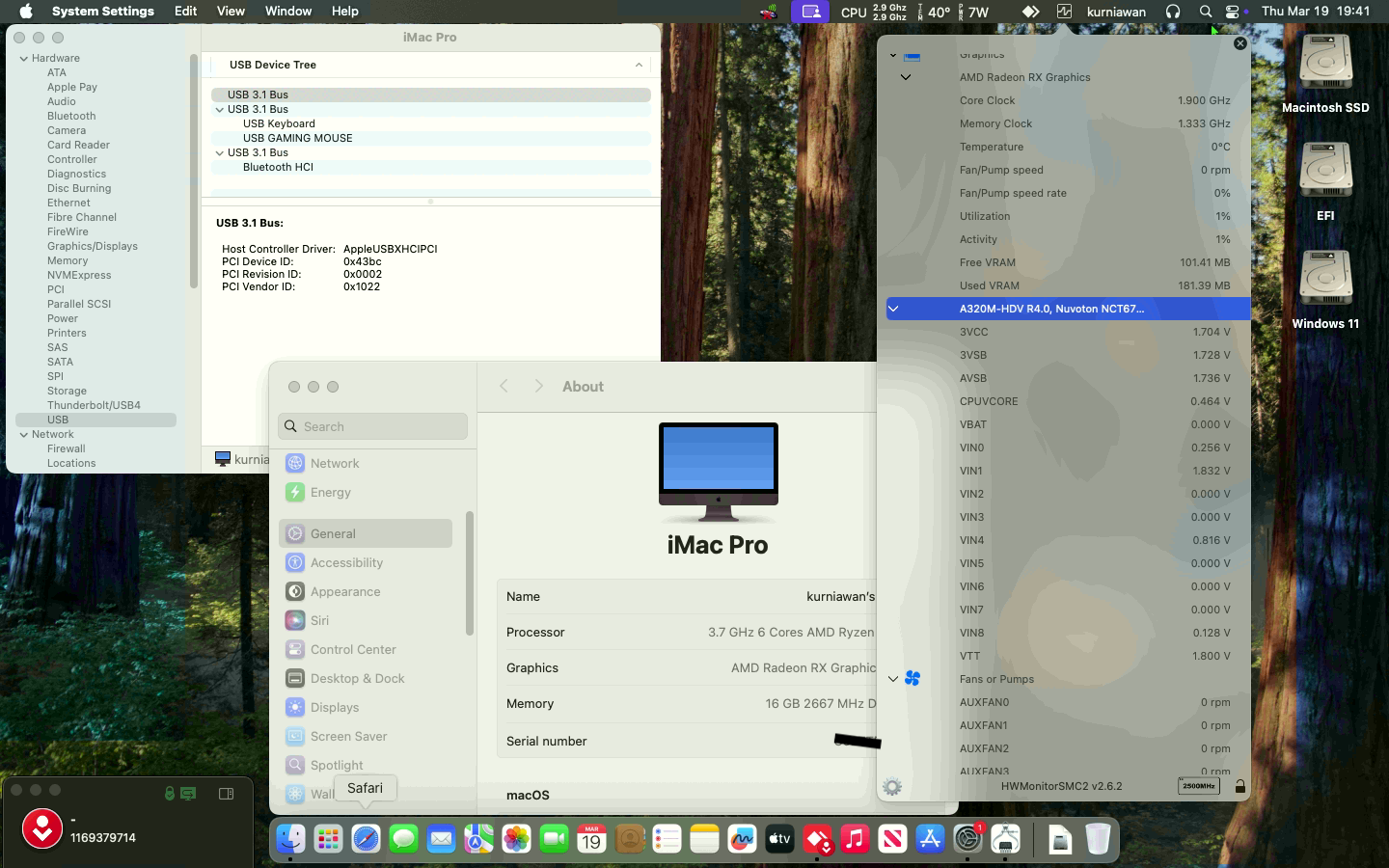
- USB Chipset: AMD Chipset Controllers
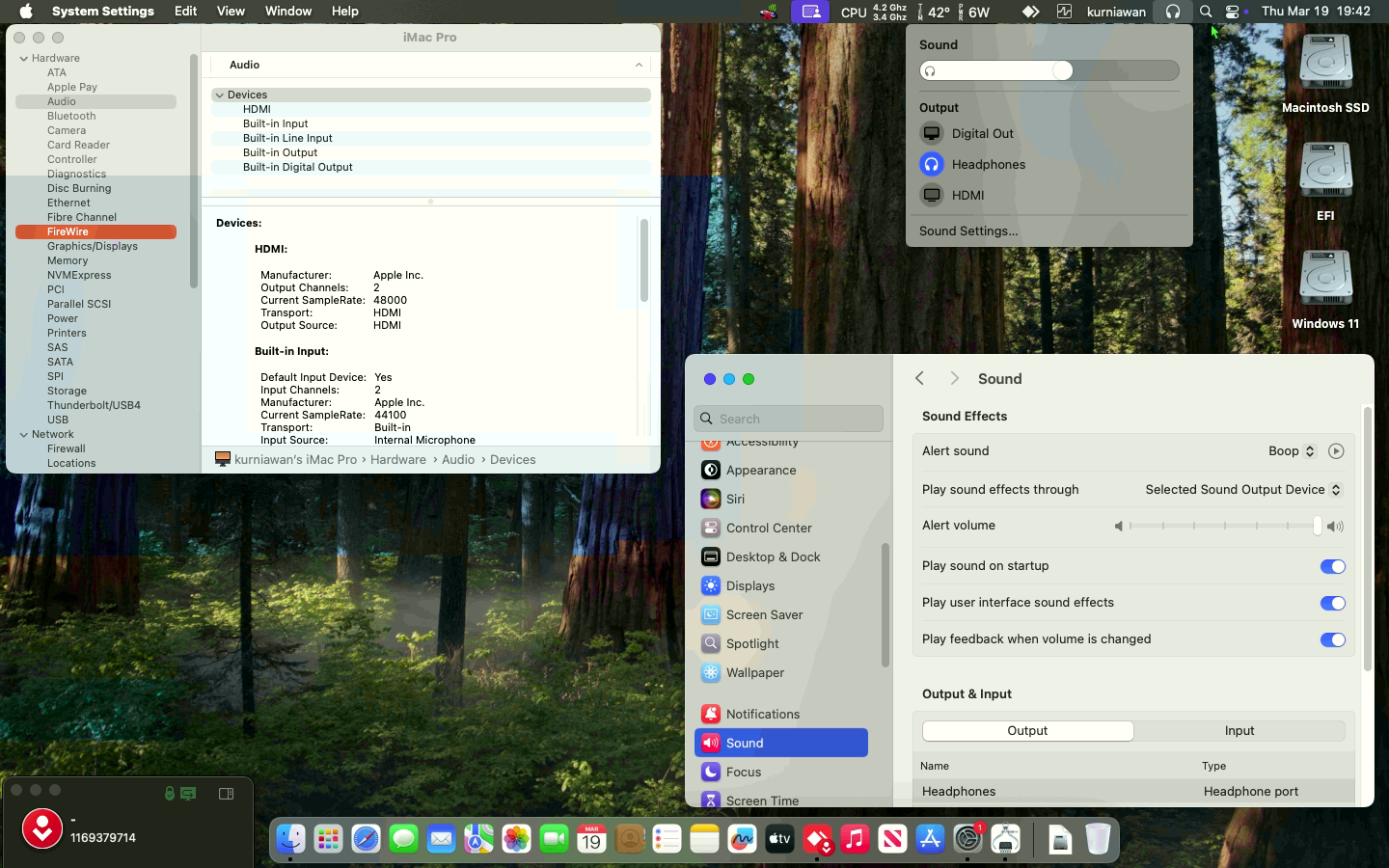
- Audio Codec: Realtek ALC897
- Monitor: Display TV 26-inch
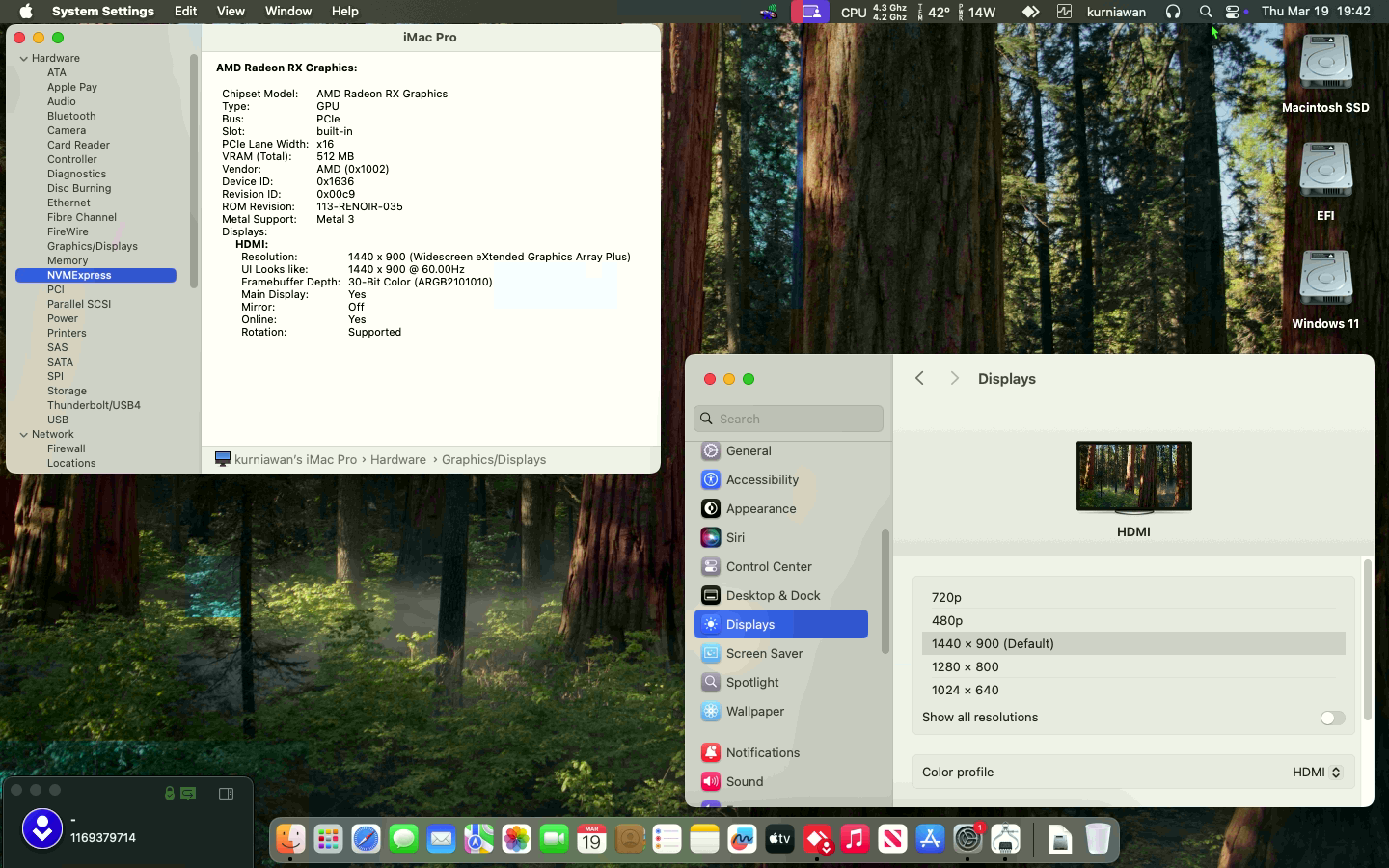
- Resolution: 1440 x 900
- Boot Mode: UEFI
- Bootloader: OpenCore r1.0.7
What is Working?
Nearly all primary hardware features are fully functional, making this AMD Ryzen setup perfect for daily productive tasks:
- Graphics Acceleration (QE/CI): AMD Vega 7 iGPU works smoothly with full hardware acceleration.
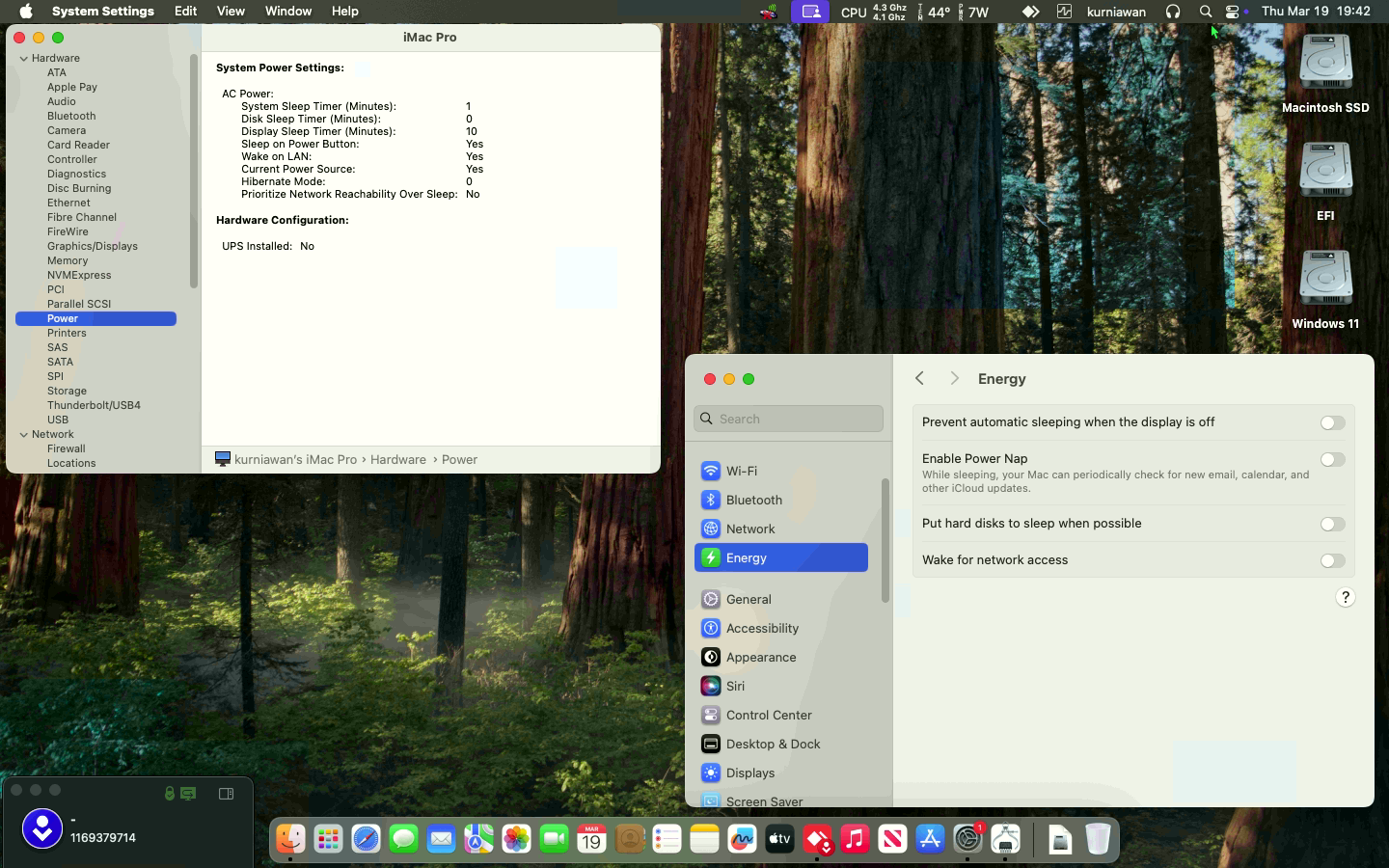
- System Power Management: Restart, Sleep, and Shutdown cycles are working properly.
- CPU Power Management: Dynamic CPU scaling and power saving are fully operational.
- Audio Output: Audio output works from both the rear and front jacks.
- Display Outputs: HDMI Out and Display Port Output are fully functional.
- Digital Audio: HDMI Audio and Display Port Audio function perfectly.
- Network: Realtek RTL8168 Gigabit Ethernet provides a stable wired internet connection.
- USB Ports: All USB ports are mapped and working correctly.
What is Not Working?
While the system is highly stable, there is one common minor issue:
- Input Jack (Mic In): The analog microphone input does not function. This is a common, ongoing issue for AMD-based Hackintoshes running AppleALC.kext. We recommend using a USB microphone, USB headset, or an external USB audio interface as an easy workaround.
Get Professional Hackintosh Installation Services
Setting up an AMD Ryzen APU with macOS Sequoia requires meticulous config.plist tuning and exact ACPI patching. If you want a hassle-free installation without the risk of bootloops, we are ready to assist you. We offer professional jasa install hackintosh and Jasa repair hackintosh services to optimize your system.
For residents in West Java, we are your trusted local partner for hackintosh cimahi. We also provide remote and onsite services for the entire Hackintosh Indonesia and Hackintosh Nusantara community. Contact us today to transform your custom PC into a powerful macOS workstation!