Introduction
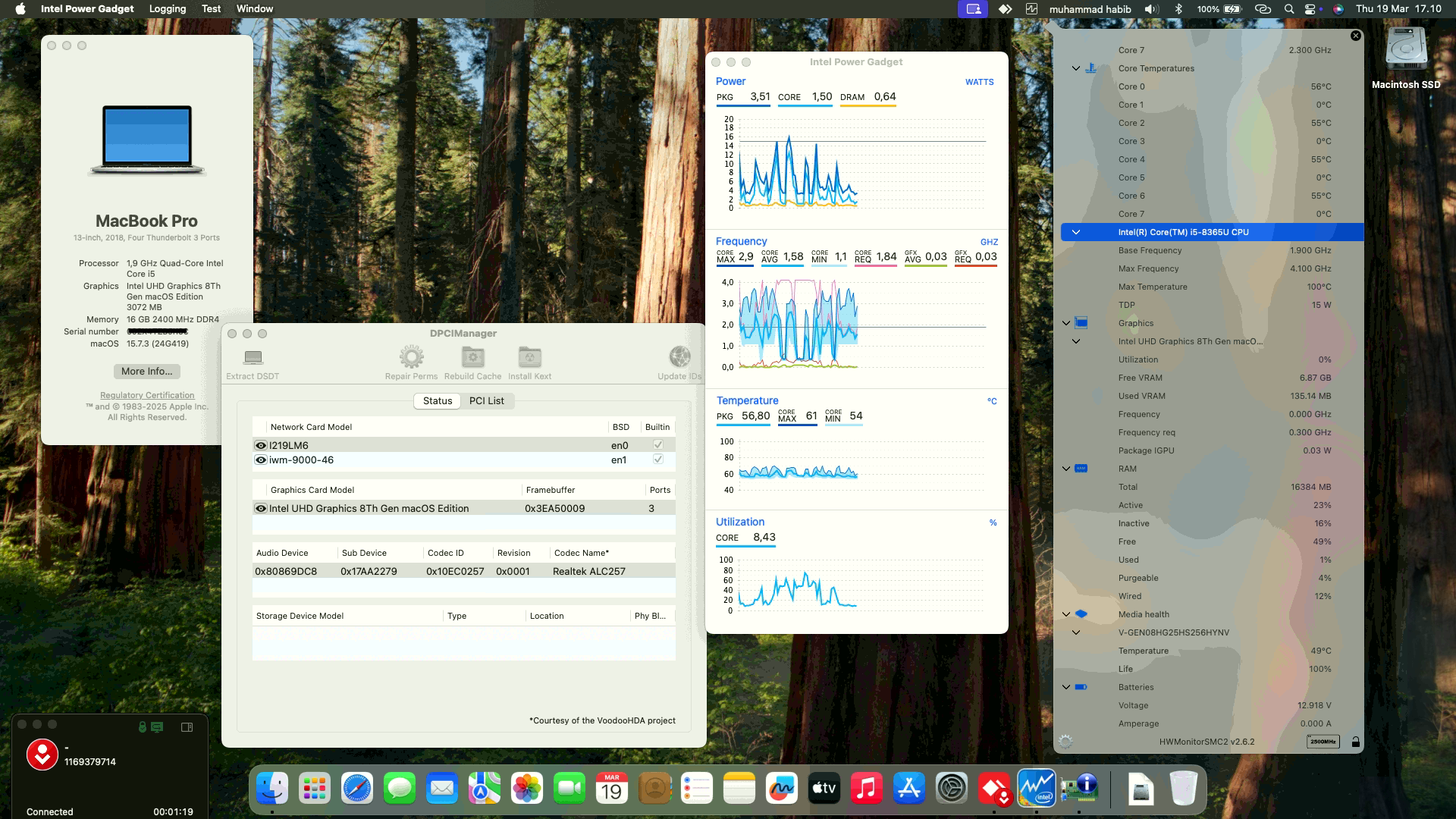
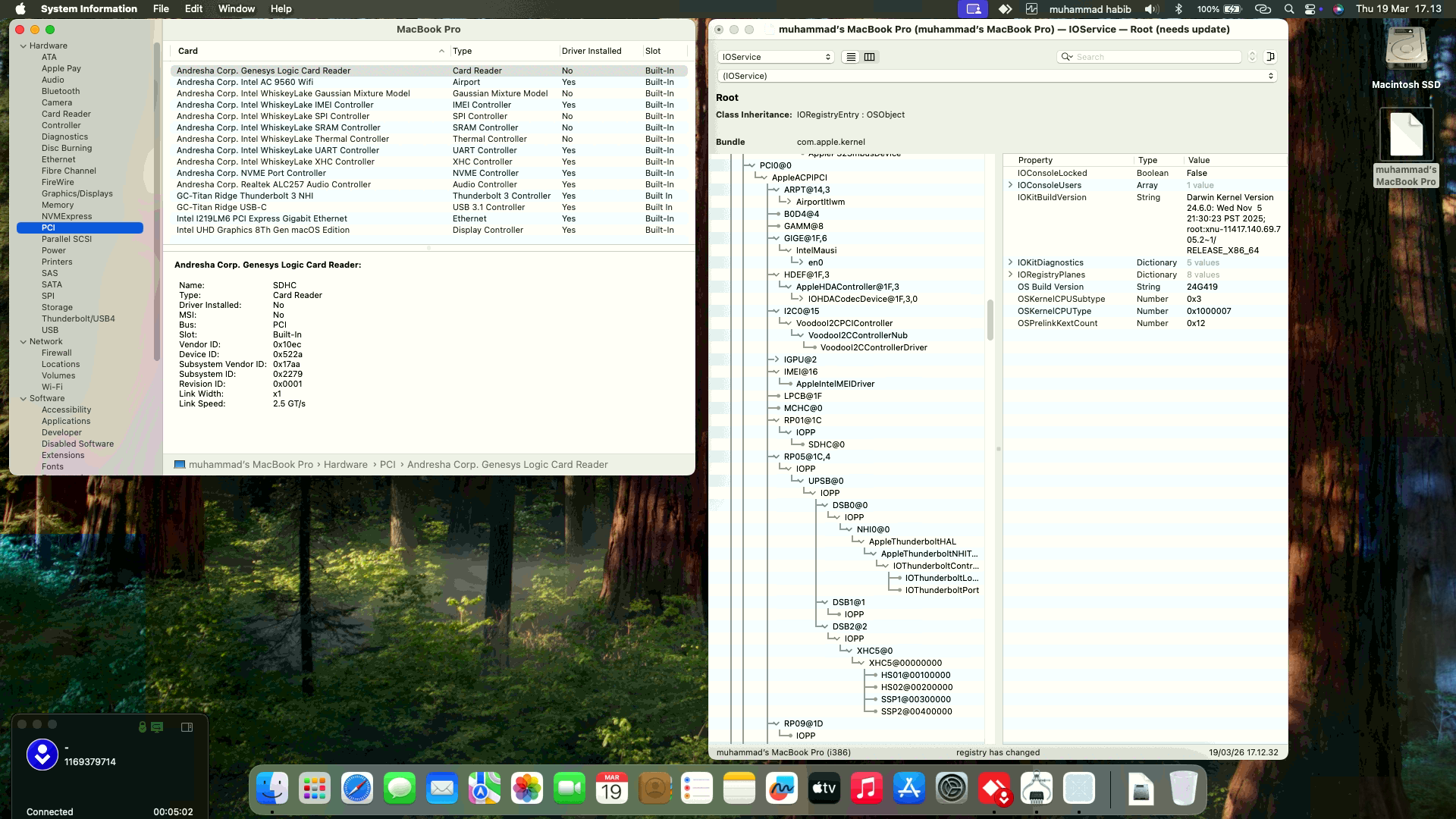
The Lenovo ThinkPad T490 remains one of the most reliable and highly compatible laptops for running macOS. With its excellent build quality and powerful hardware, converting this business laptop into a fully functional Hackintosh is an excellent project. In this article, we share our successful installation of macOS Sonoma 14.5 (Build 23F79) on the Lenovo ThinkPad T490 powered by the Intel Core i5-8365U processor.
Hardware Specifications
- Processor: Intel Core i5-8365U (Whiskey Lake)
- Graphics: Intel UHD Graphics 620
- RAM: 16GB DDR4
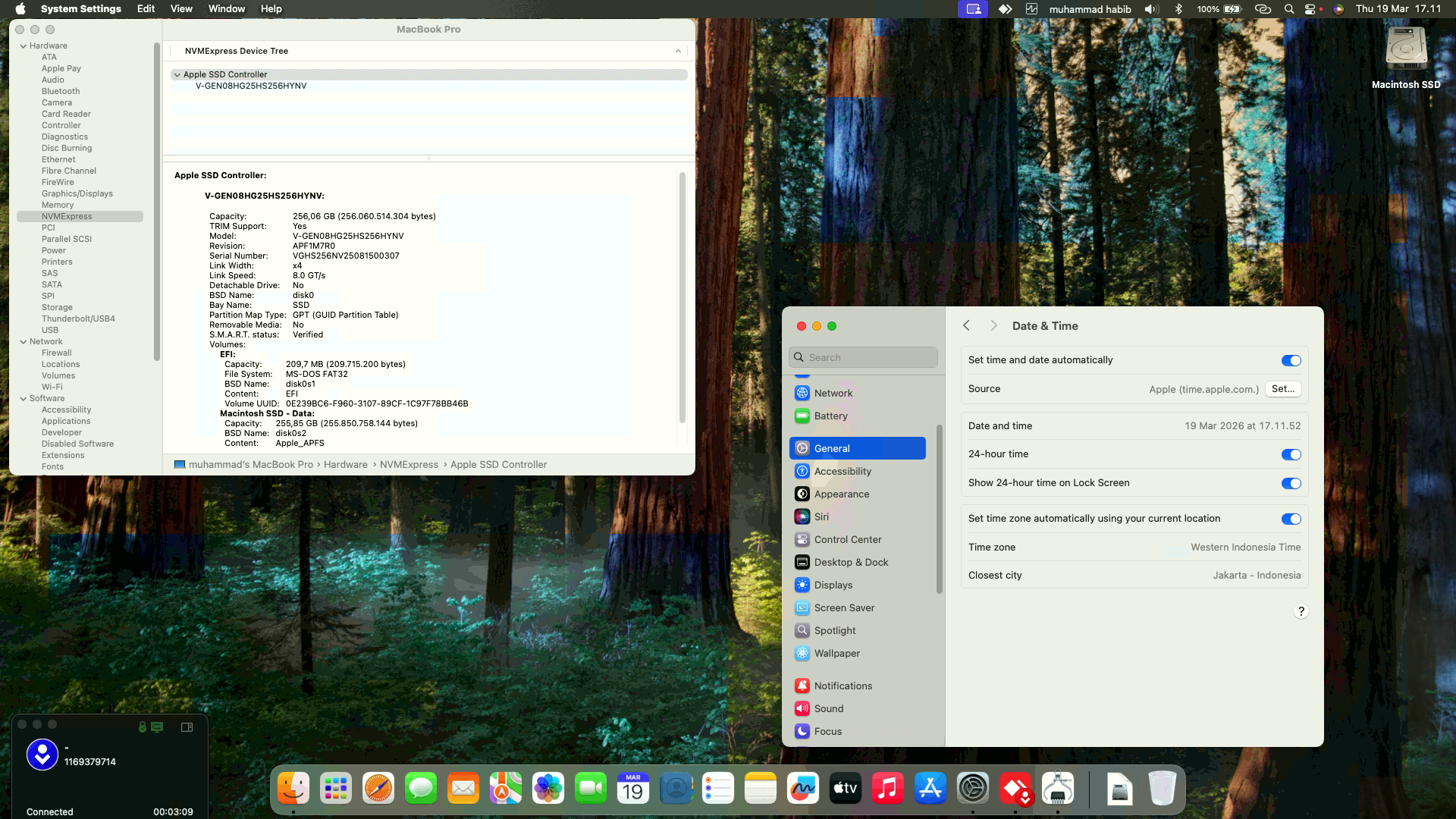
- Storage: NVMe PCIe SSD 512GB
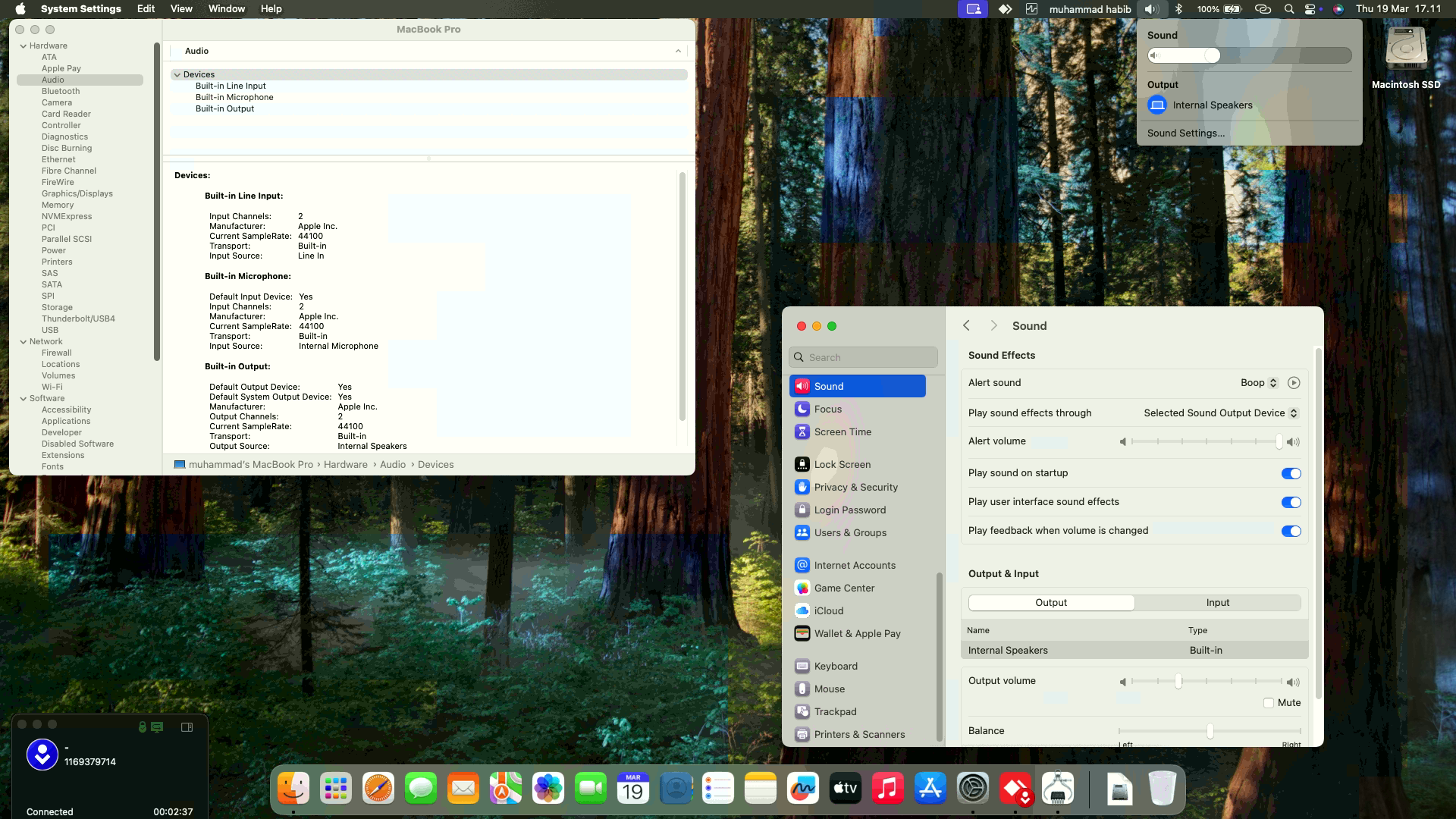
- Audio: Realtek ALC257
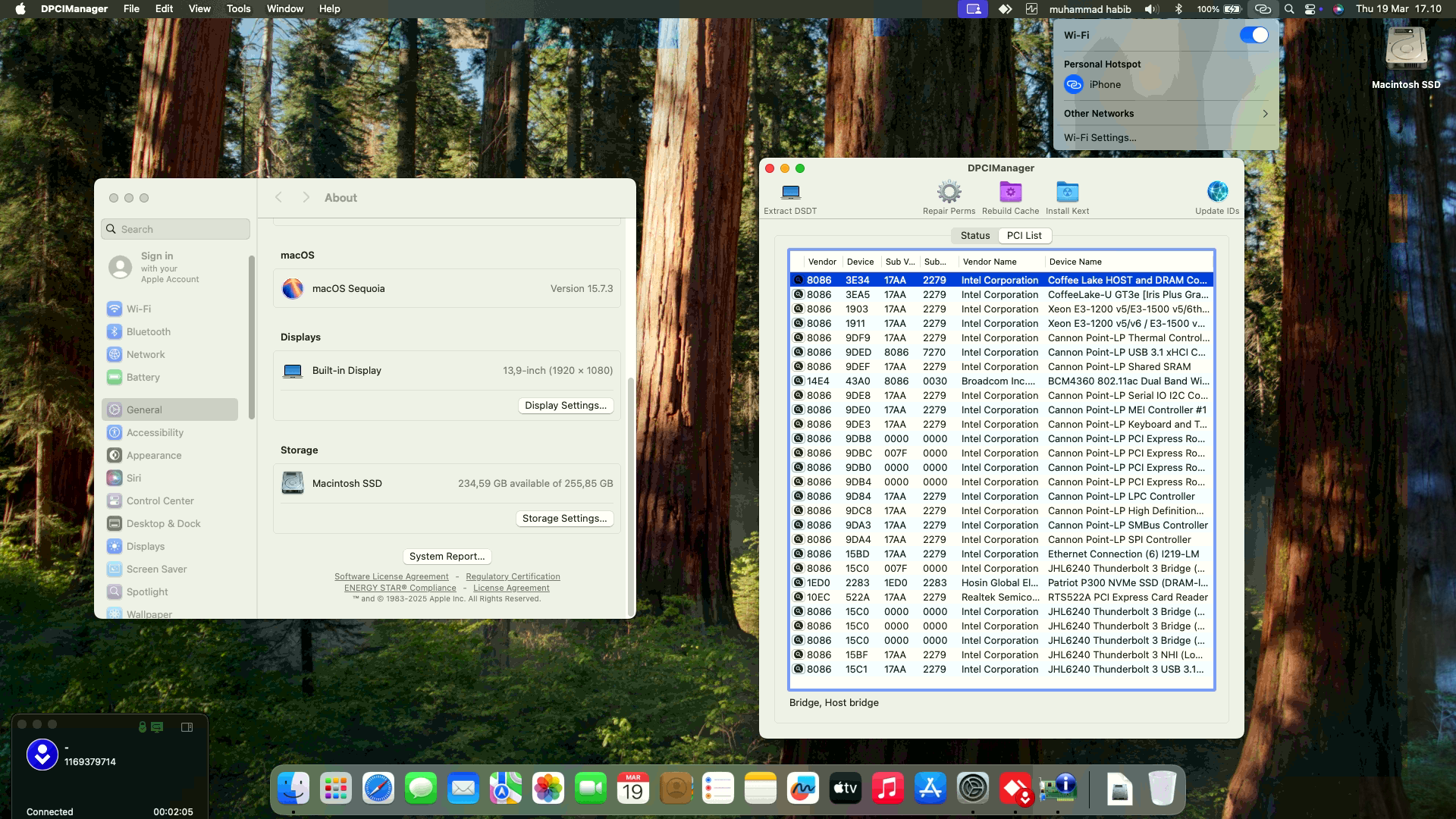
- Wi-Fi/Bluetooth: Intel Wireless-AC 9560
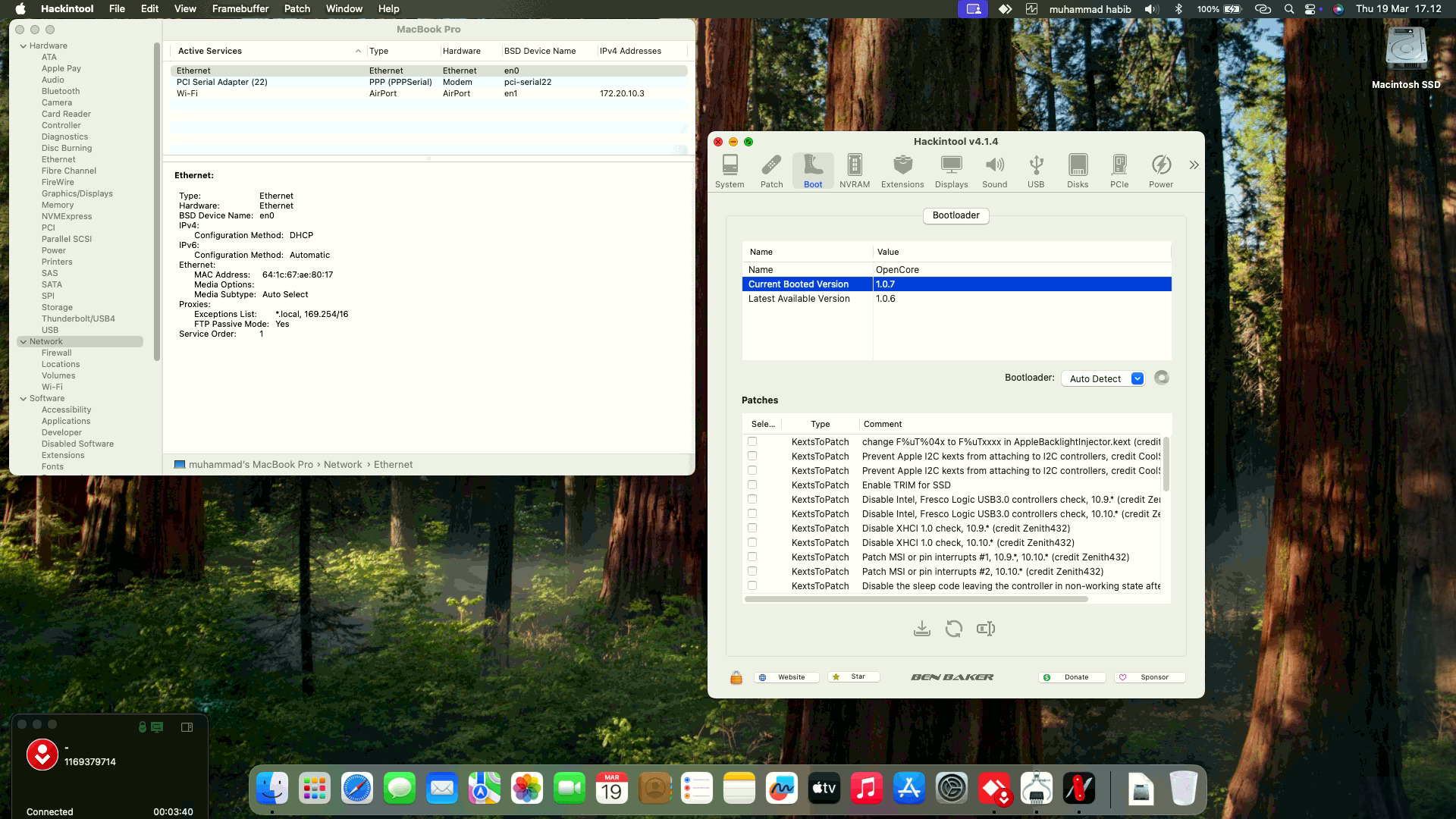
- Bootloader: OpenCore Bootloader
What Works?
For those wondering "Does it work?", the answer is a resounding yes. With proper ACPI patching and OpenCore configuration, almost all vital features are fully functional for daily productivity:
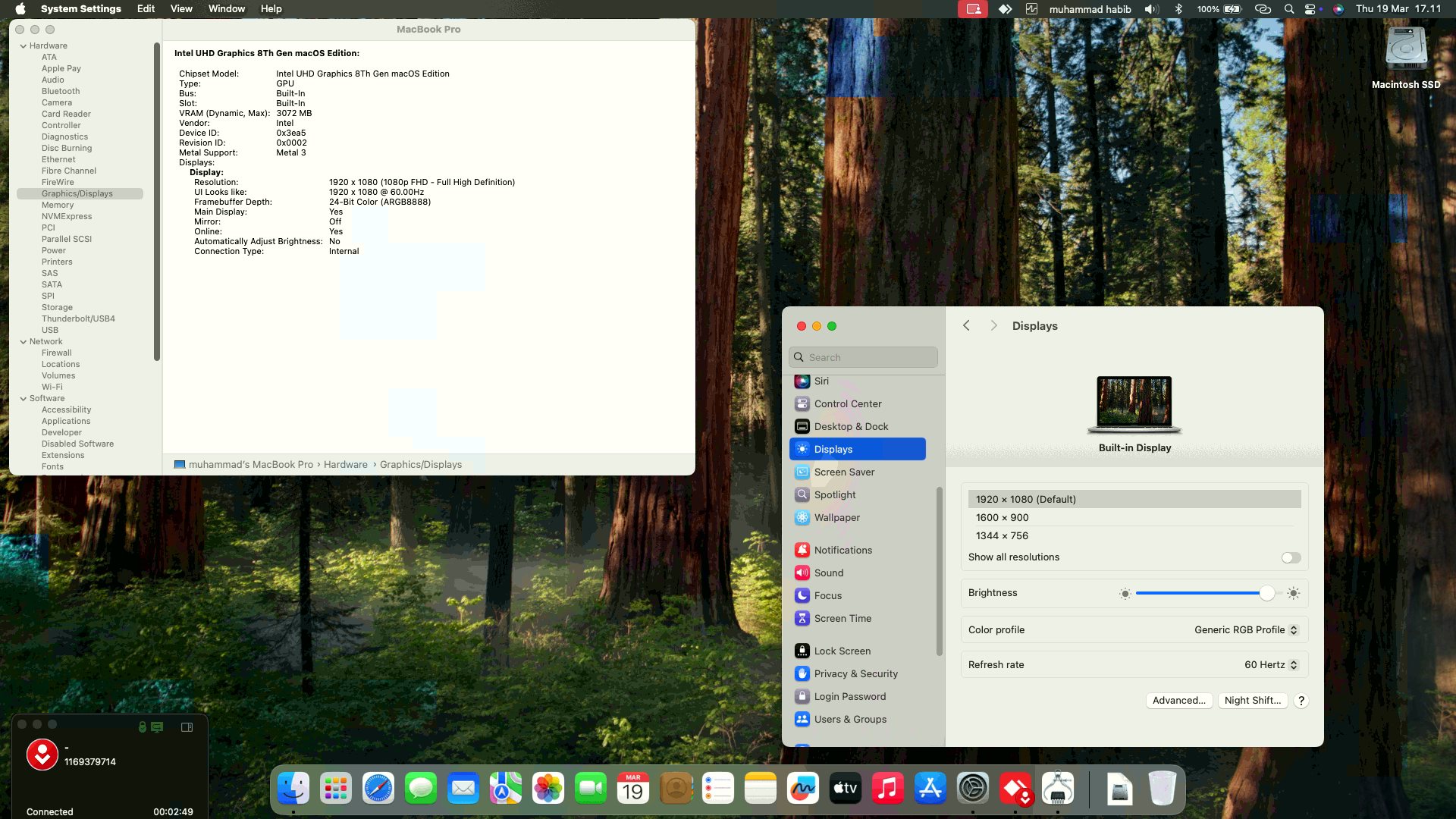
- Graphics Acceleration: Intel UHD Graphics 620 is fully recognized with 1536MB VRAM, delivering smooth UI animations and QE/CI support.
- Audio: Internal speakers, microphone, and the 3.5mm headphone jack function perfectly using the AppleALC kext.
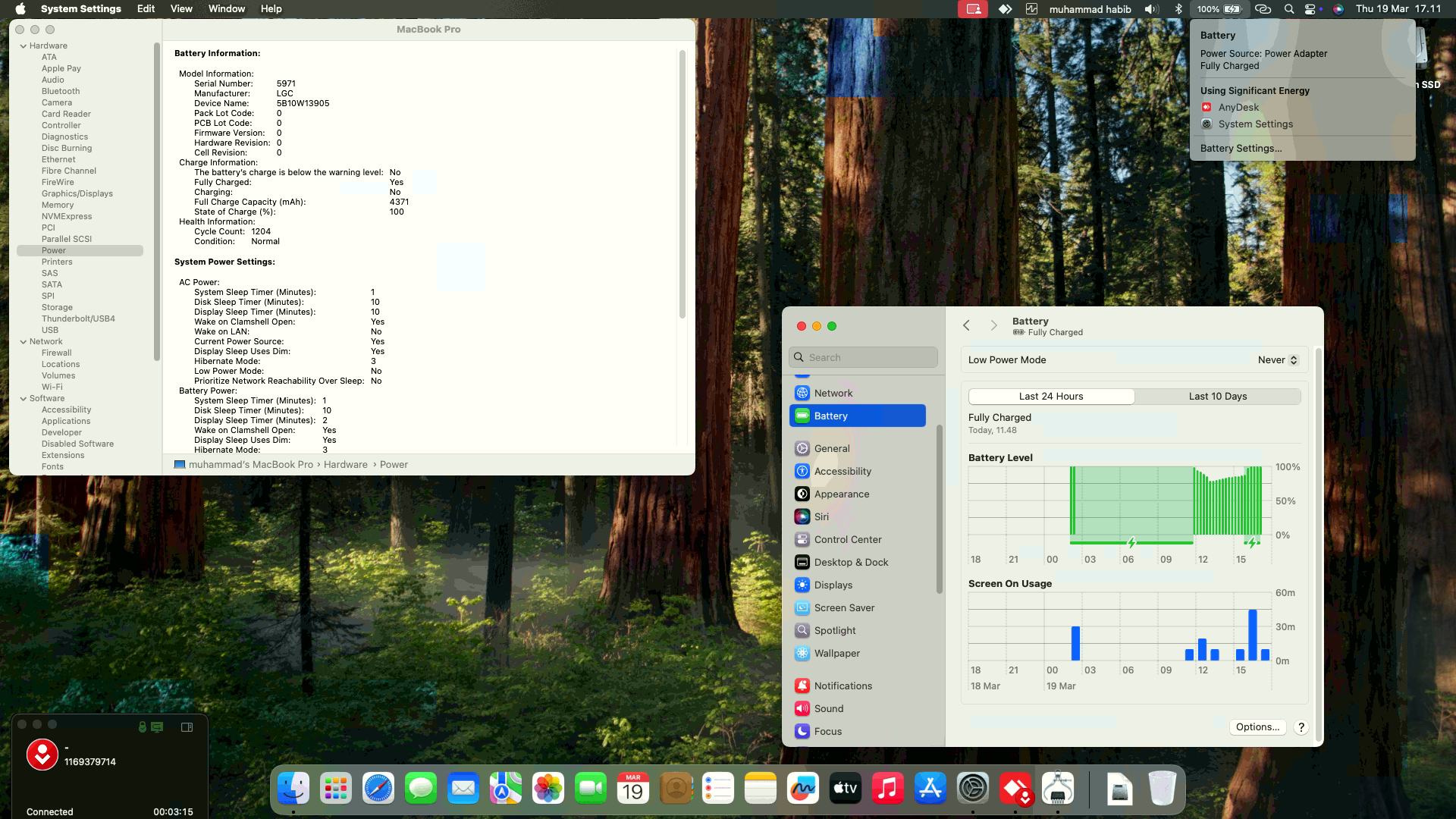
- Power Management: CPU power management is optimized, allowing for excellent battery life and quiet fan operation.
- Sleep and Wake: Closing the lid puts the laptop to sleep, and opening it wakes it instantly without issues.
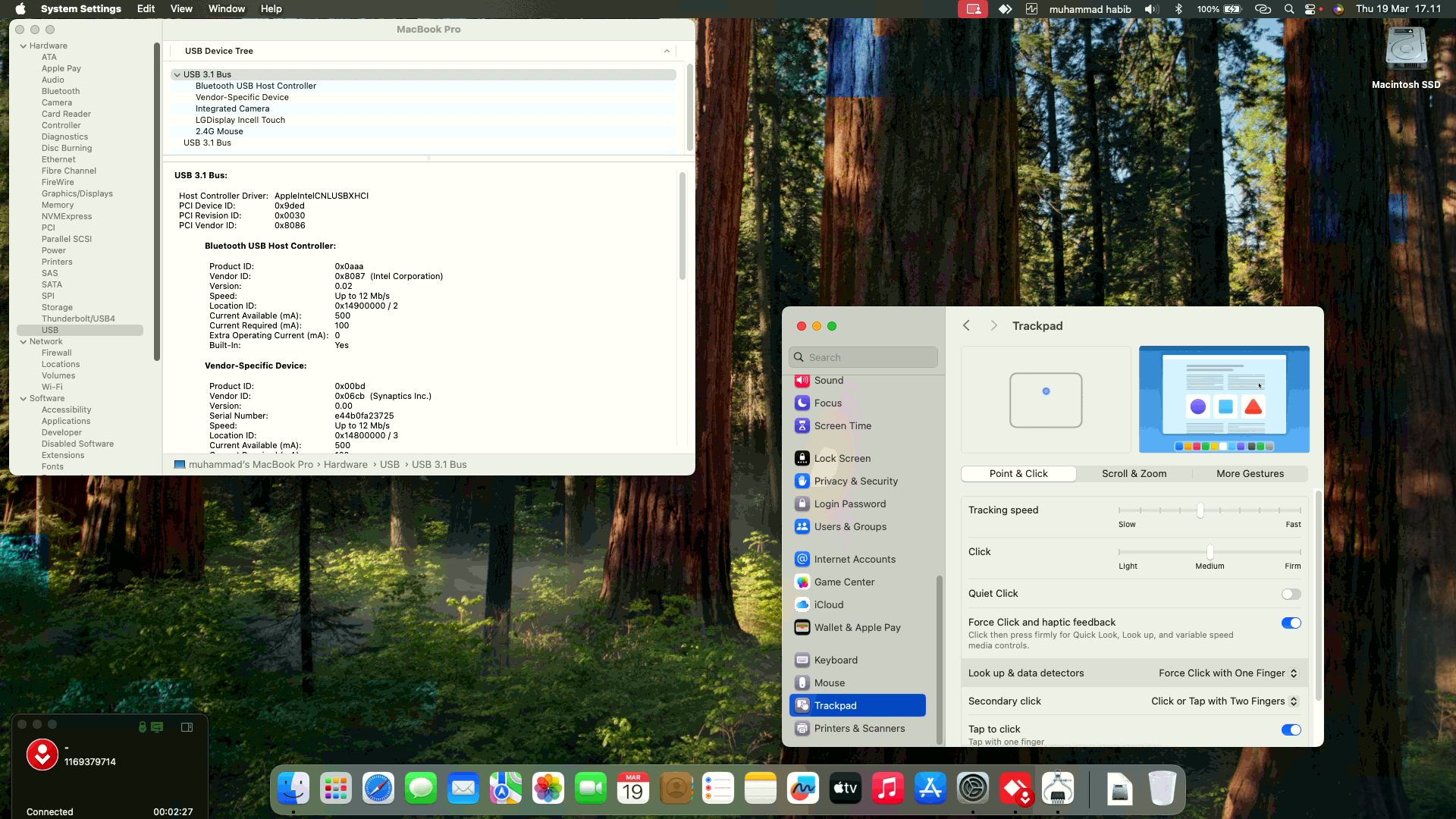
- Keyboard & Trackpad: Full gestures on the trackpad are supported, and the famous TrackPoint works smoothly.
- iServices: App Store works flawlessly using a properly generated SMBIOS
Recommended BIOS Settings for ThinkPad T490
Before booting the macOS installer, ensure your BIOS settings are configured correctly to avoid kernel panics:
- Disable: Security Chip, Secure Boot, Intel SGX, and Fast Boot.
- Enable: UEFI Booting, VT-x, VT-d, Hyper-Threading, and SATA Controller Mode set to AHCI.
Need Professional Help?
Configuring a stable EFI for the Lenovo ThinkPad T490 can be a complex task, especially when dealing with USB port mapping, battery status patches, and sleep wake issues. If you want a quick, secure, and hassle-free installation, we recommend using professional services to get the job done right.